
Up and Running on Your Own Terms.
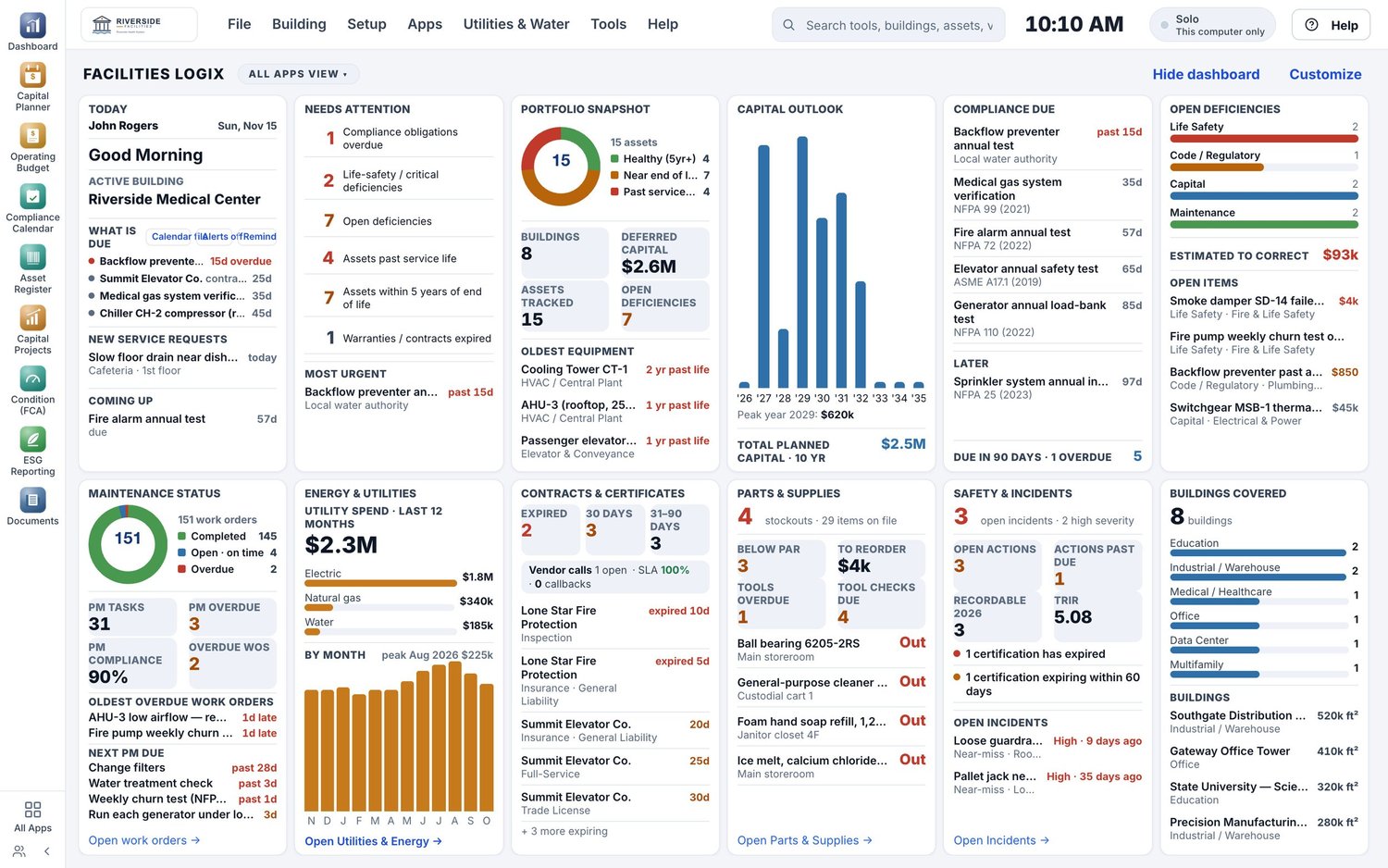
New software usually means weeks of setup before anyone sees it work. Install Facilities Logix, set up your organization once, and learn on a complete sample portfolio that shows every step working.
Launching Early 2027 · Join the Early-Access List
How to Get Going
Install the Desktop App
Install Facilities Logix on a Windows PC or a Mac. Nothing runs on an outside server.
Set Up Your Organization
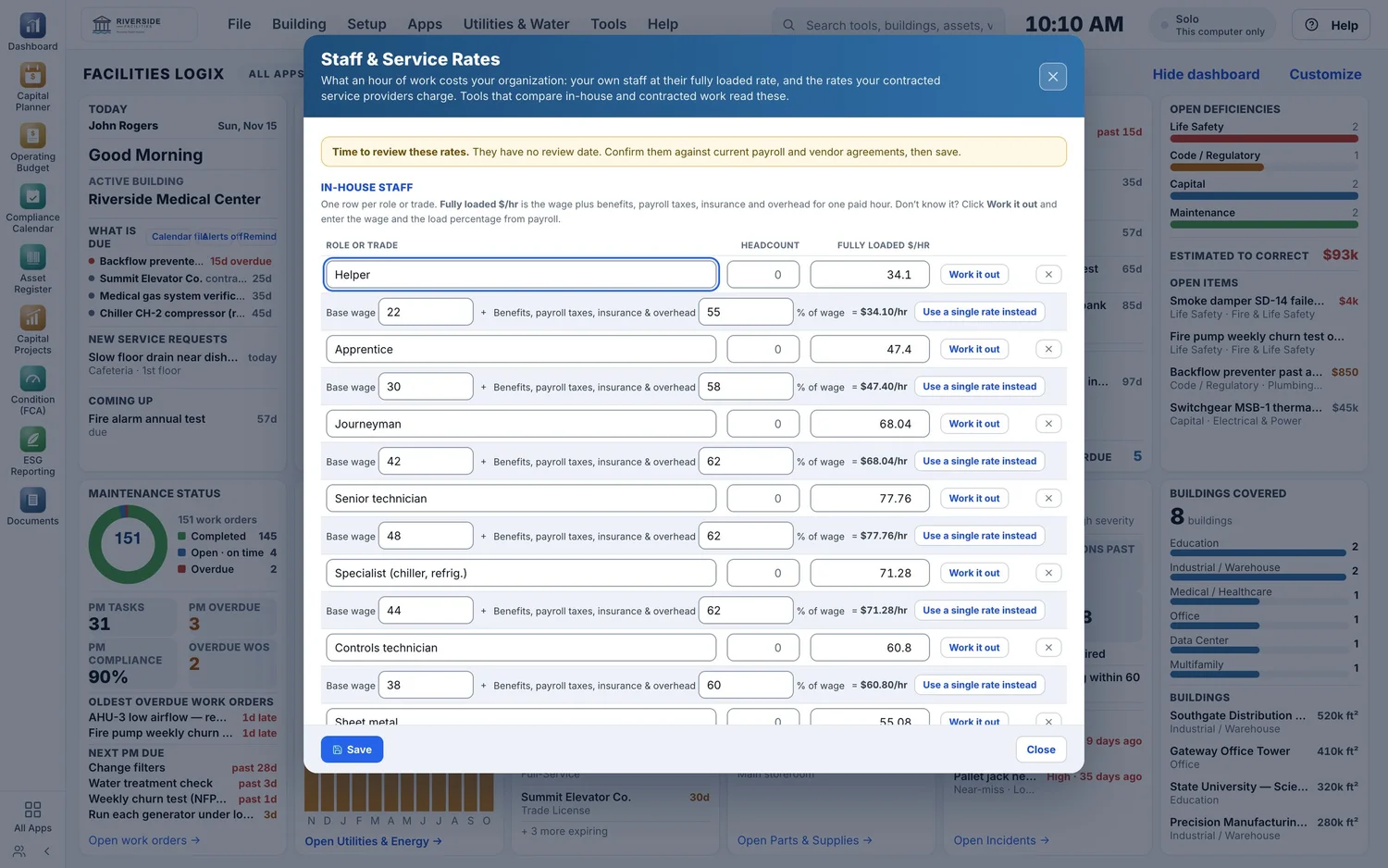
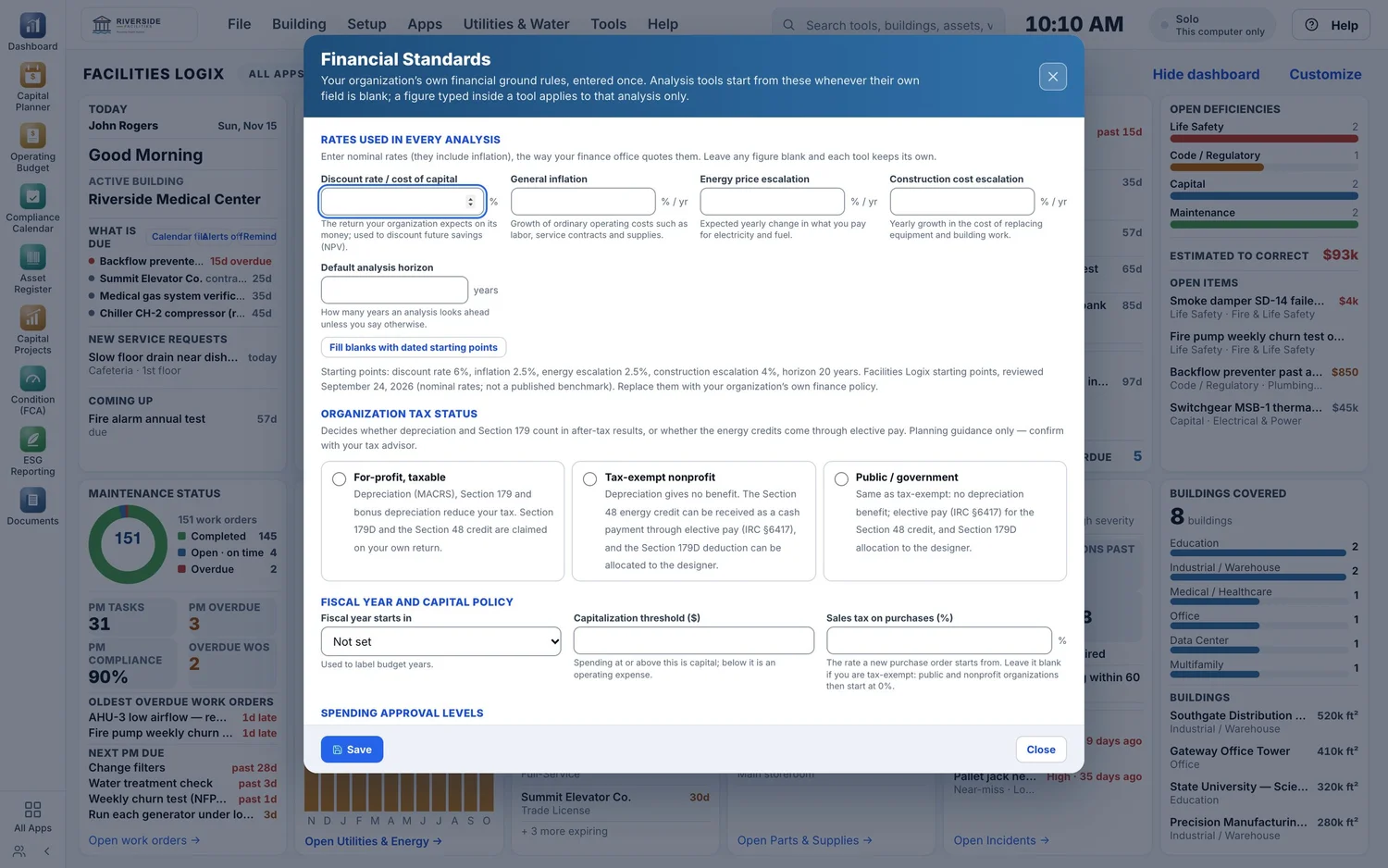
Enter your organization profile, financial standards and staff and service rates once. Every analysis and report starts from them.
Add Your Buildings
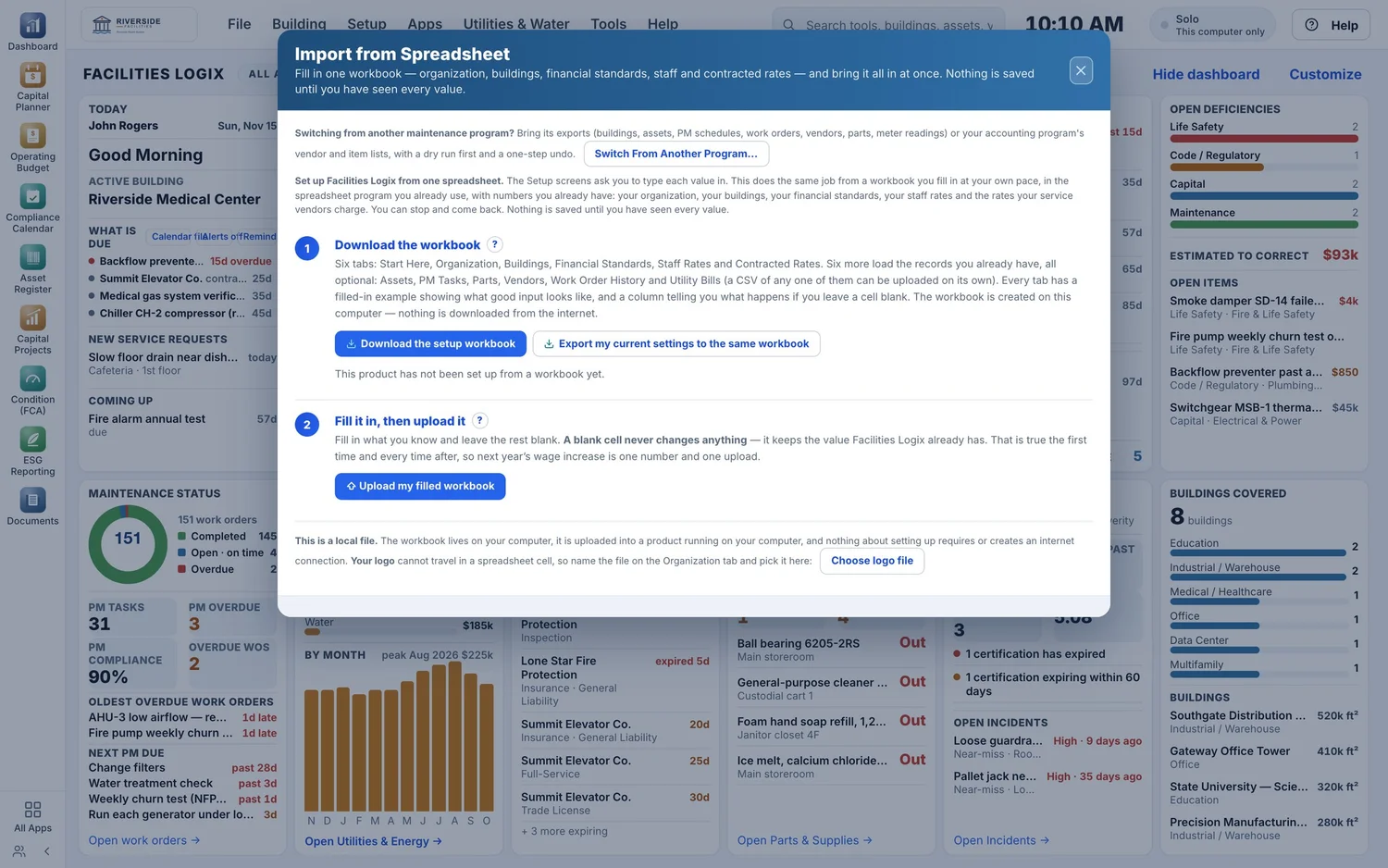
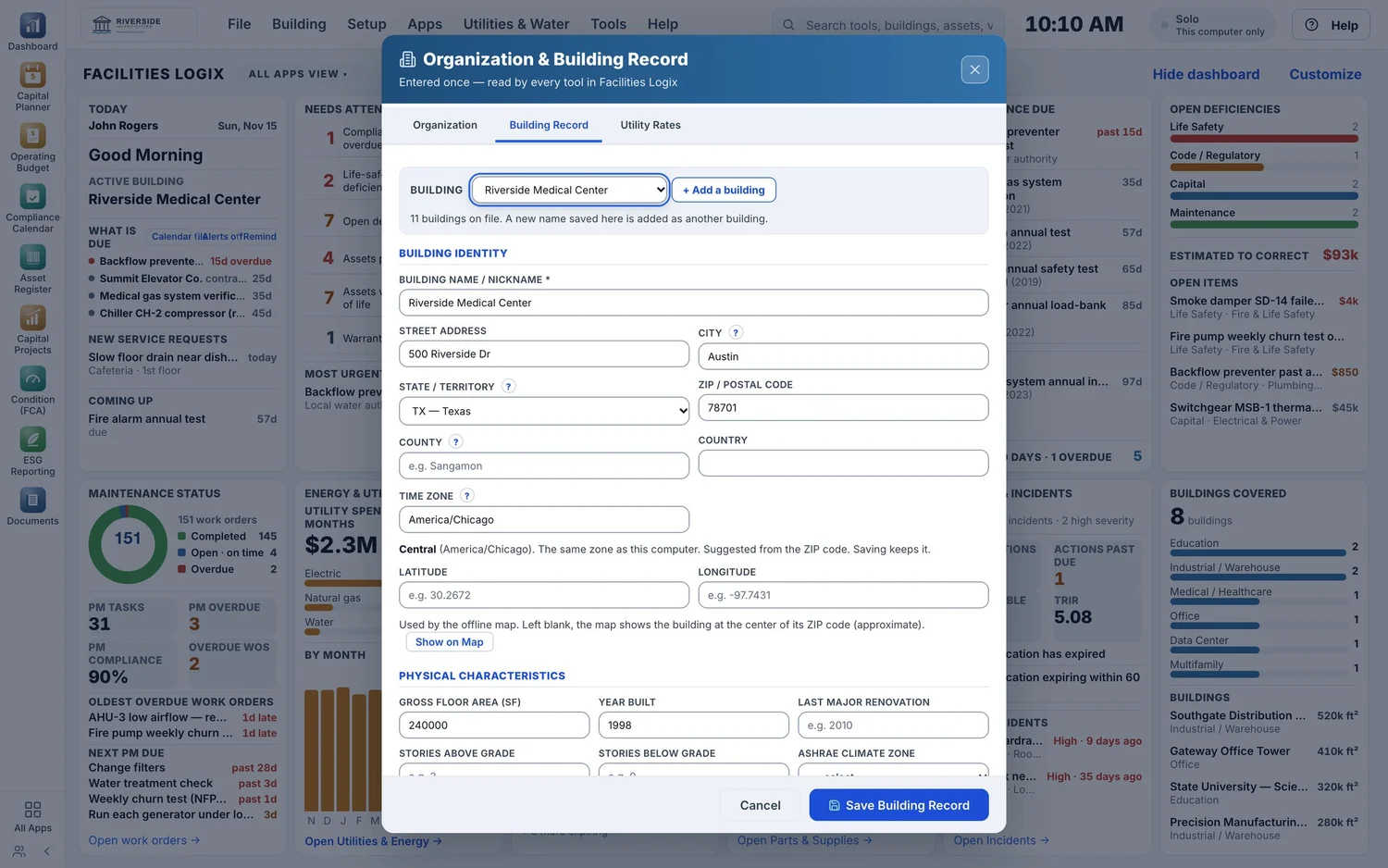
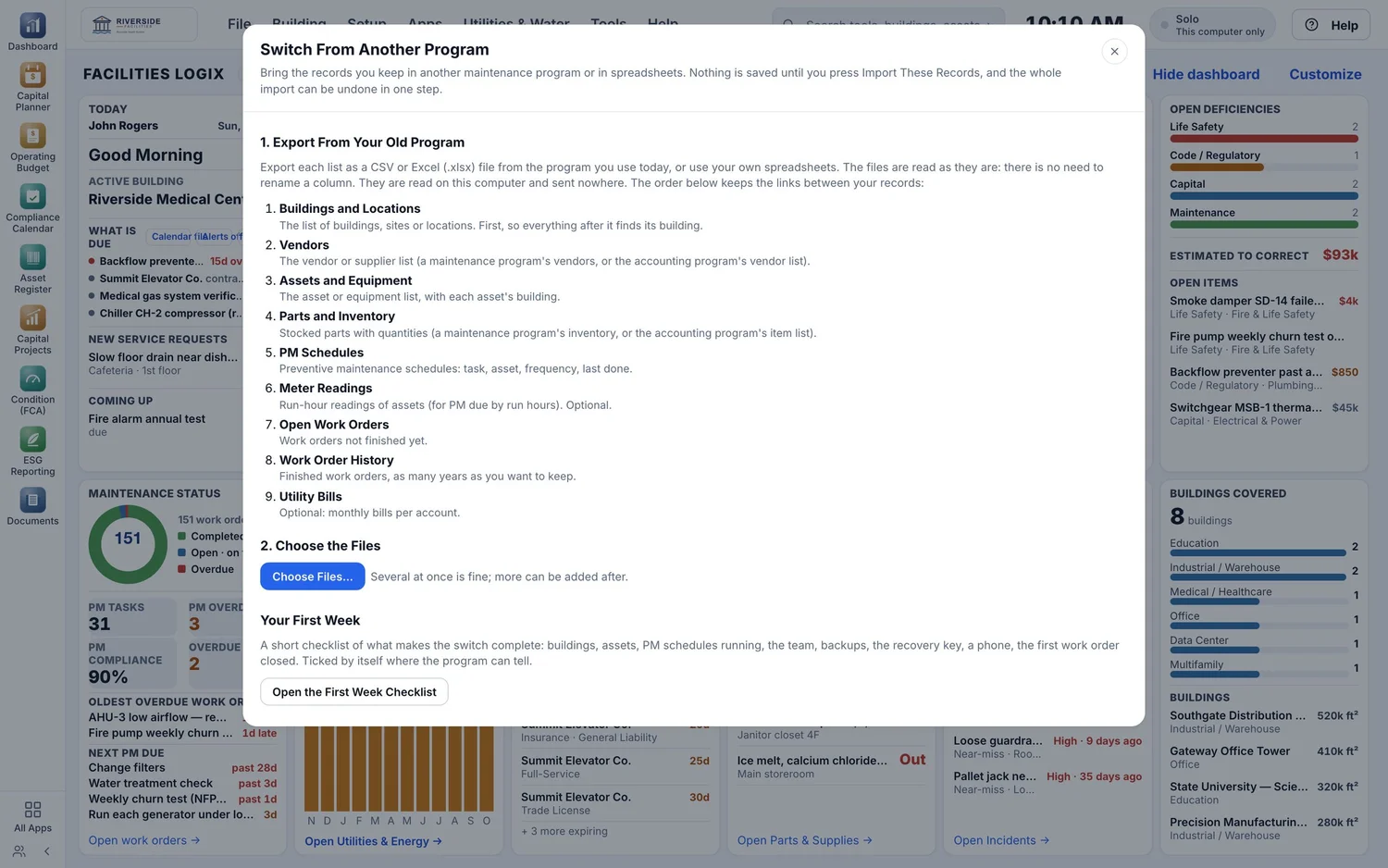
Create a building record for each building, or import your buildings, assets, work orders and vendors from spreadsheets.
Put Facilities Logix Field on Phones and Tablets
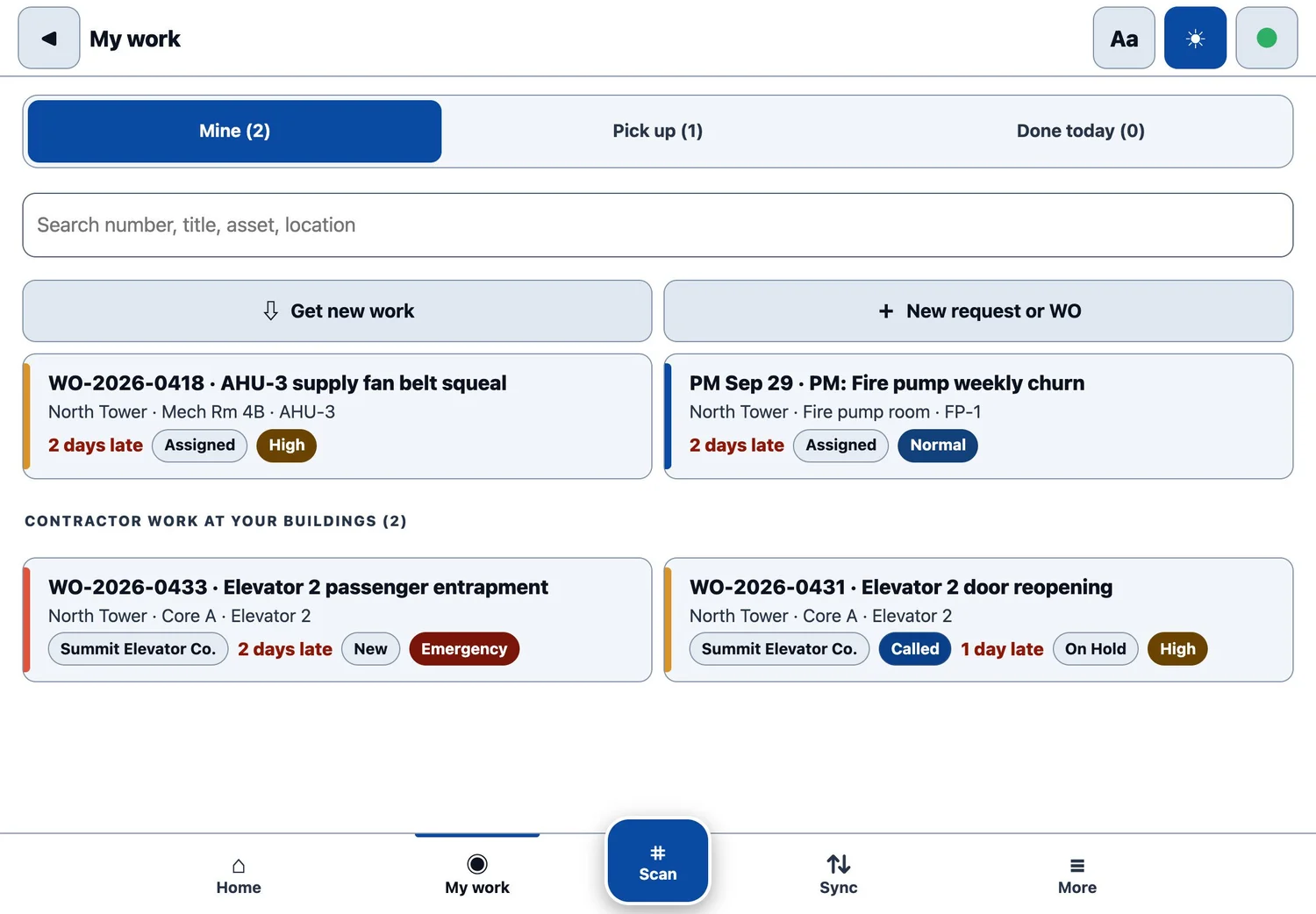
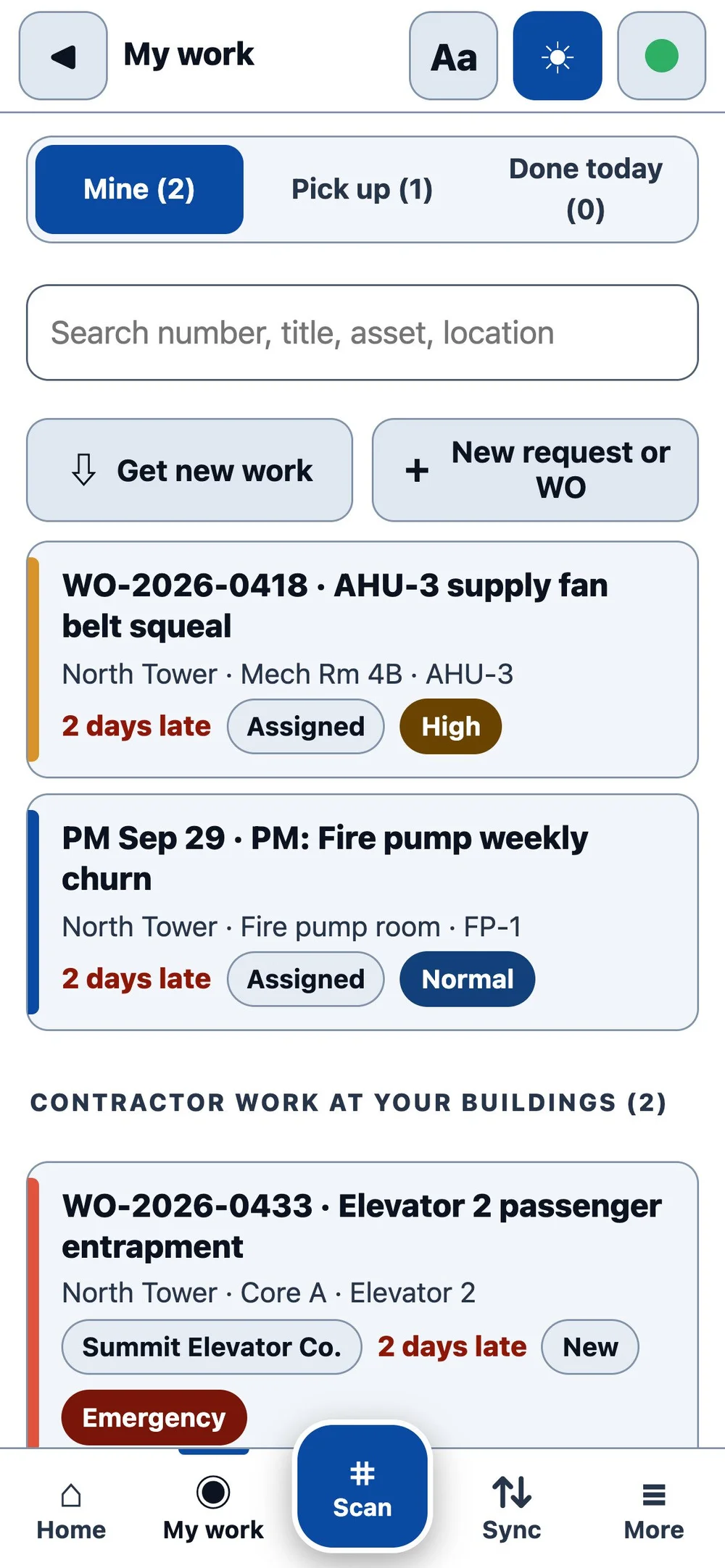
Your operations team installs the field app from your office computer and syncs over your own Wi-Fi.
Explore with Sample Data
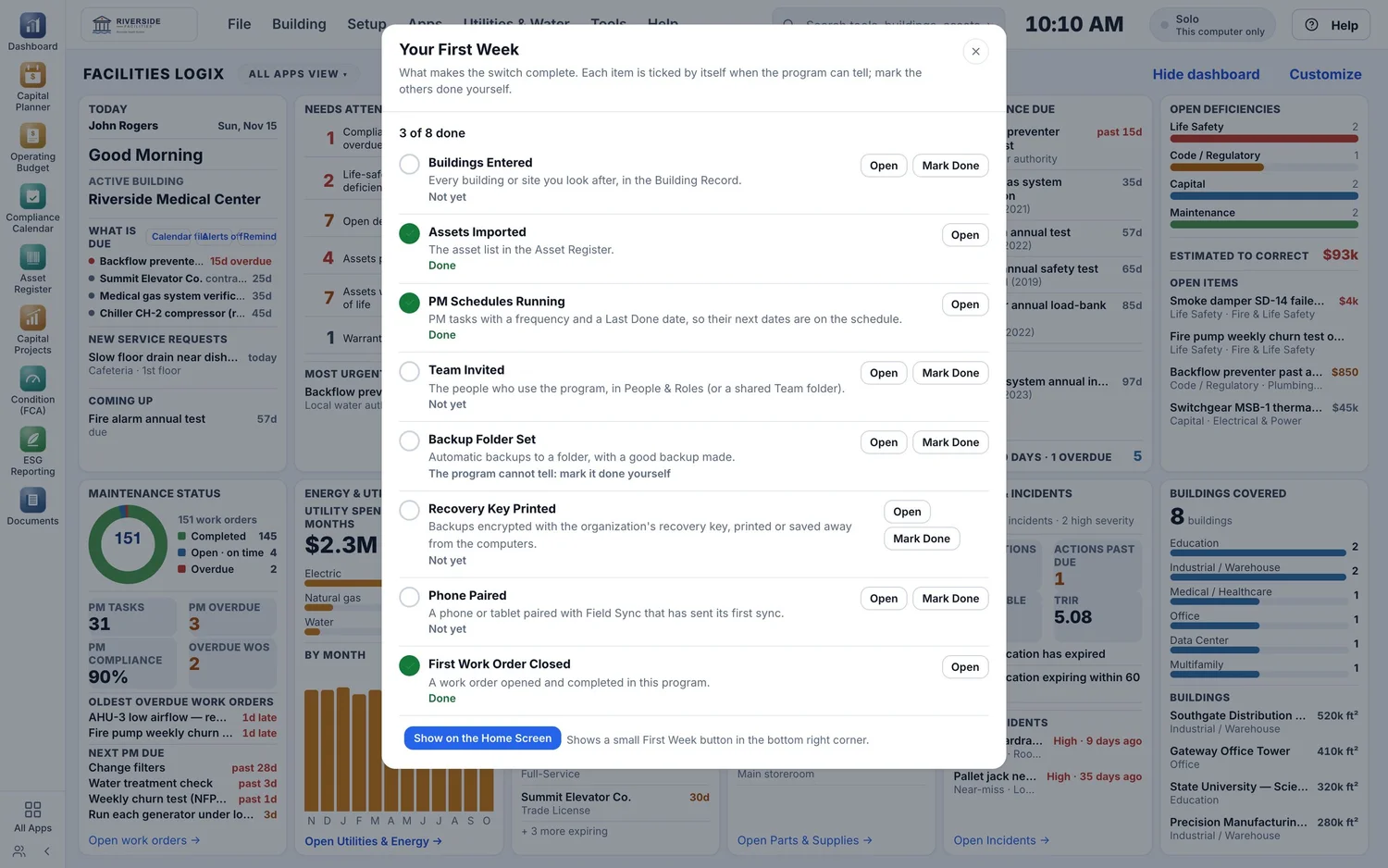
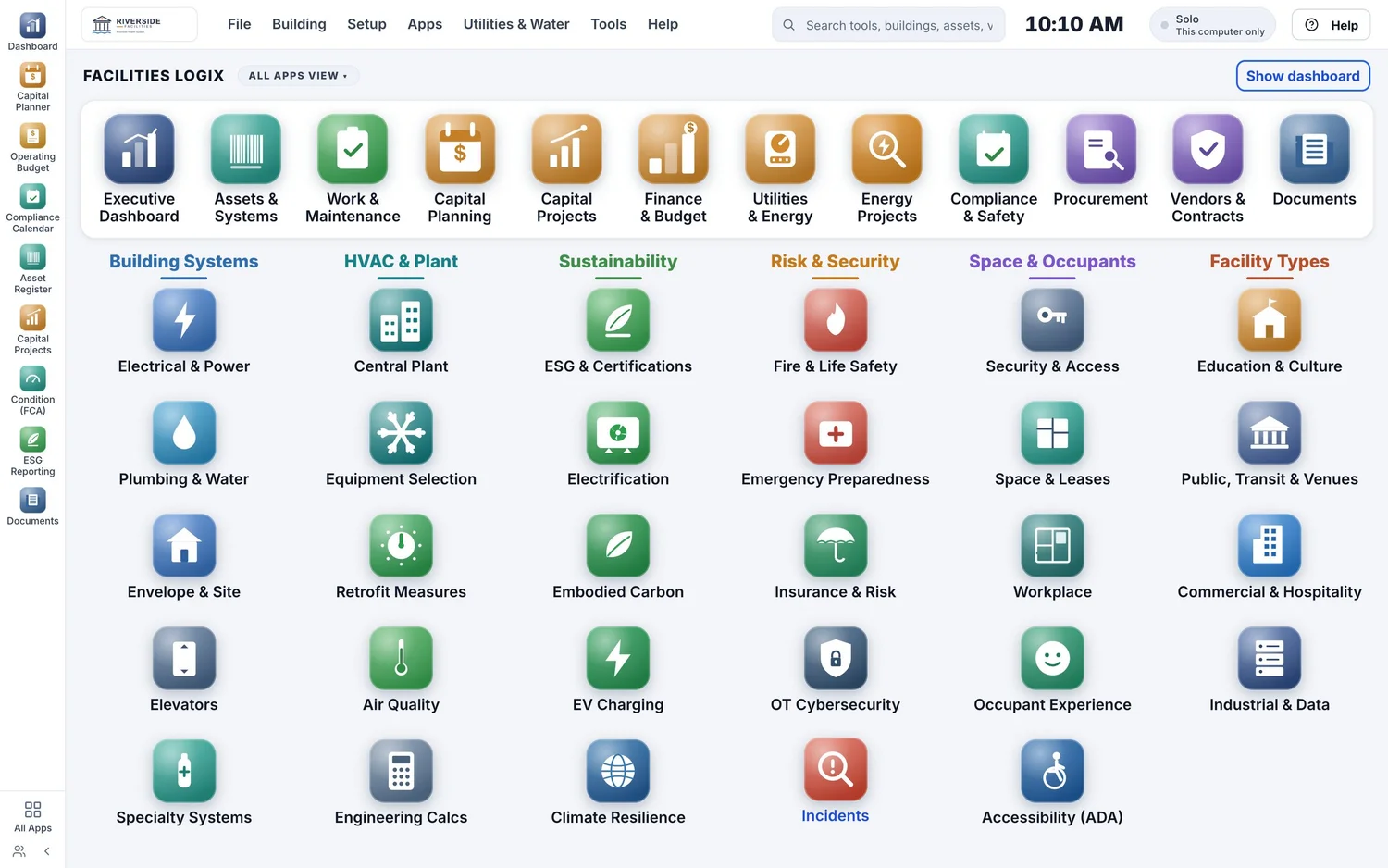
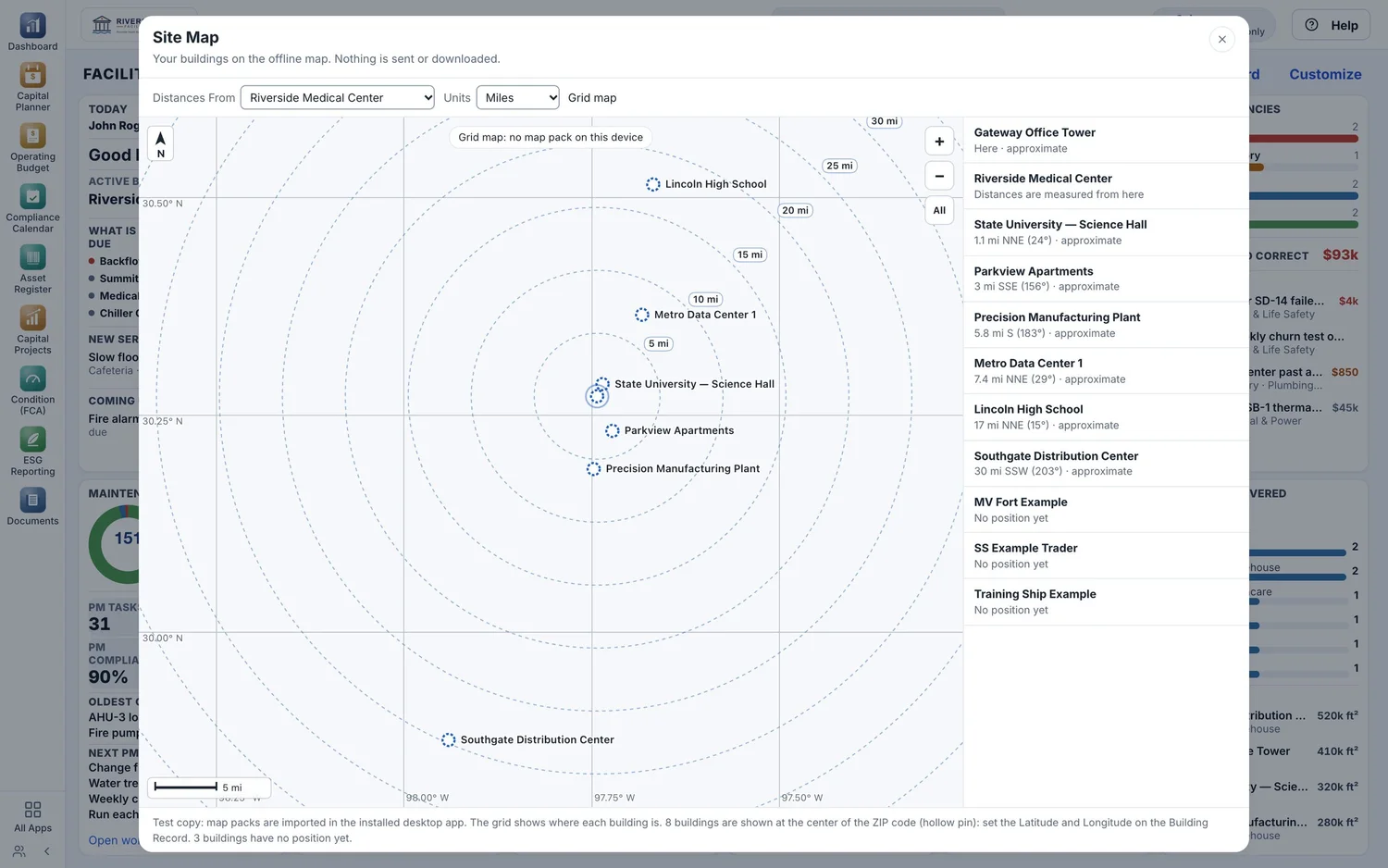
A complete sample portfolio lets your team see each step working before entering their own data.
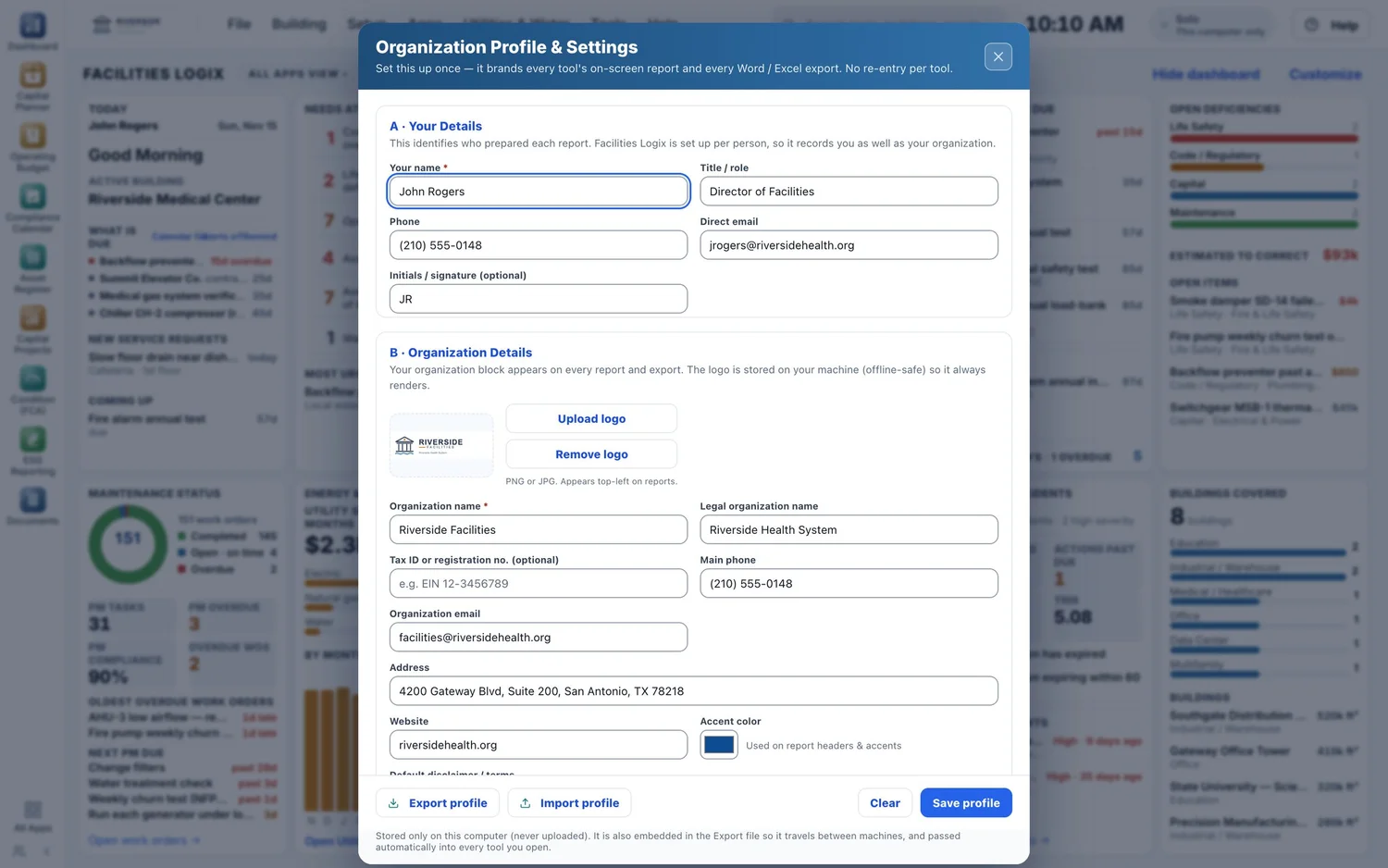
The Organization Profile in Facilities Logix: your name, logo and contacts, entered once for every report.
System Requirements
Desktop
A 64-bit Windows 10 or 11 PC, or a Mac with Apple silicon running macOS 13 Ventura or later.
Learn MoreYour Network
One office computer can act as the sync host for phones and tablets, and team mode uses a shared folder on your network.
Learn MorePhones and Tablets
iPhone and iPad on iOS 17 or later, and Android phones and tablets on Android 8 or later. Wi-Fi-only tablets work too.
Learn More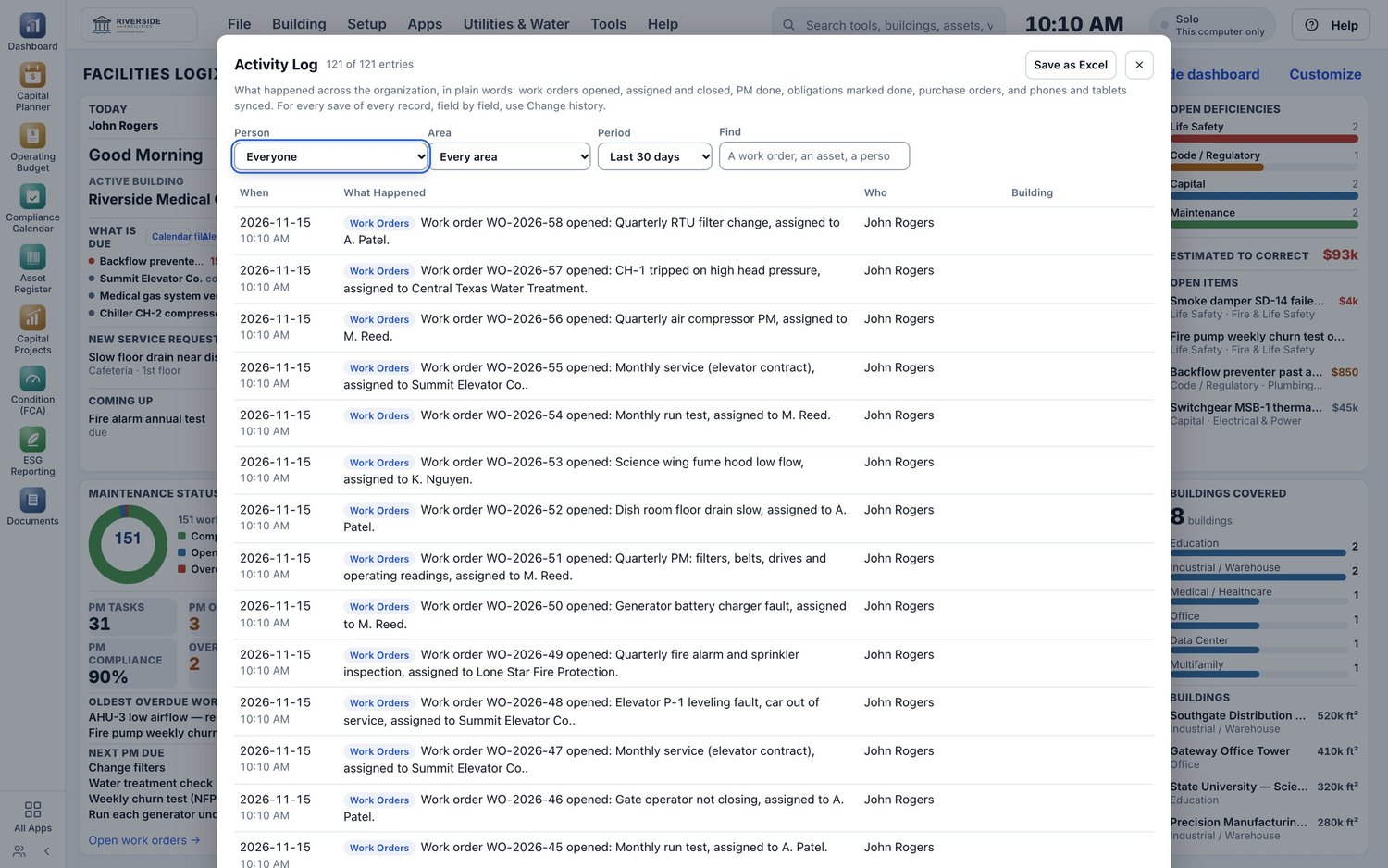
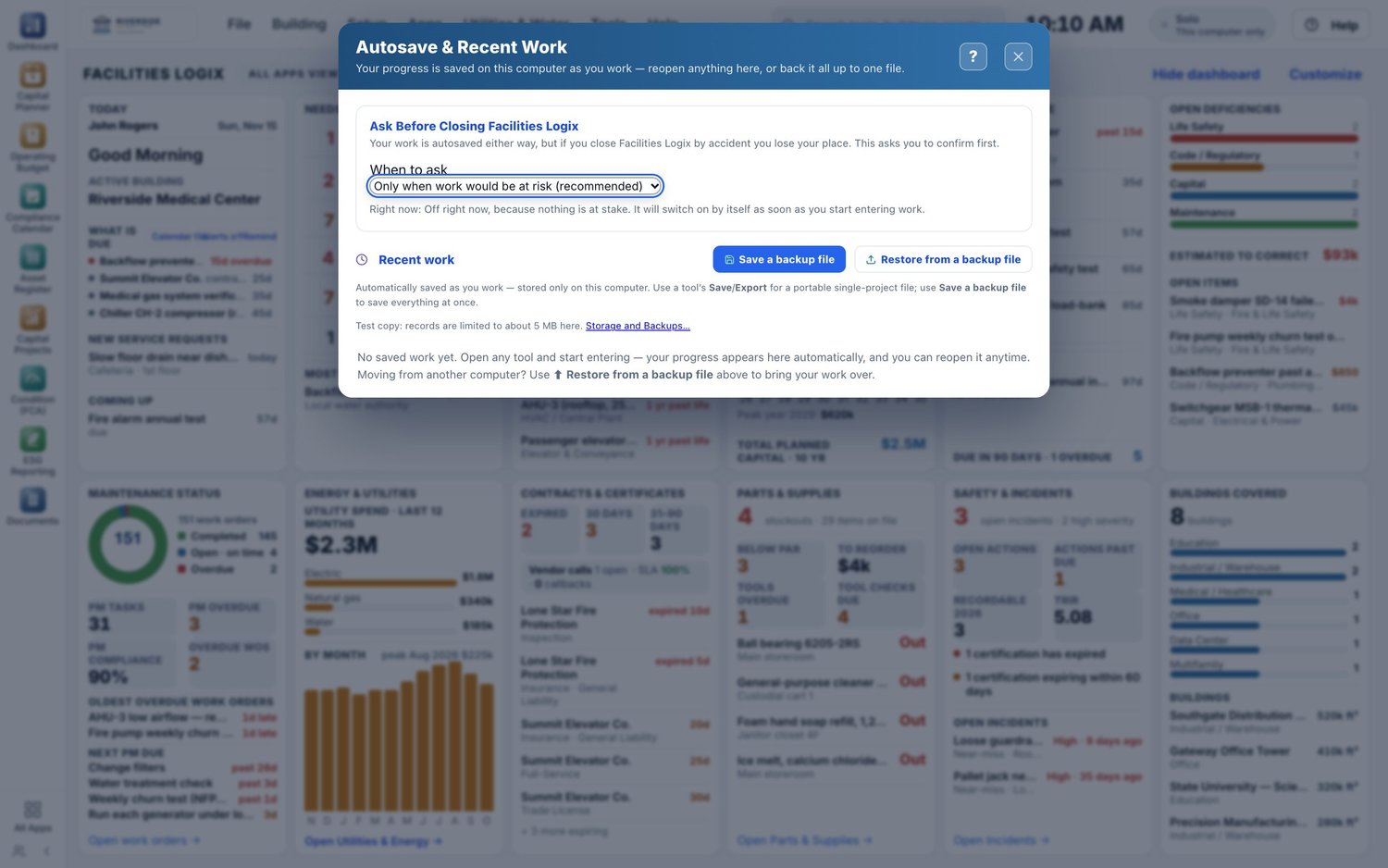
The change history shows who saved what, and when.
Be First in Line
Facilities Logix launches in early 2027. Join the early-access list and we will tell you the day it opens.
Launching early 2027 for Facilities Logix. Nothing to buy today, and no sales calls.
