
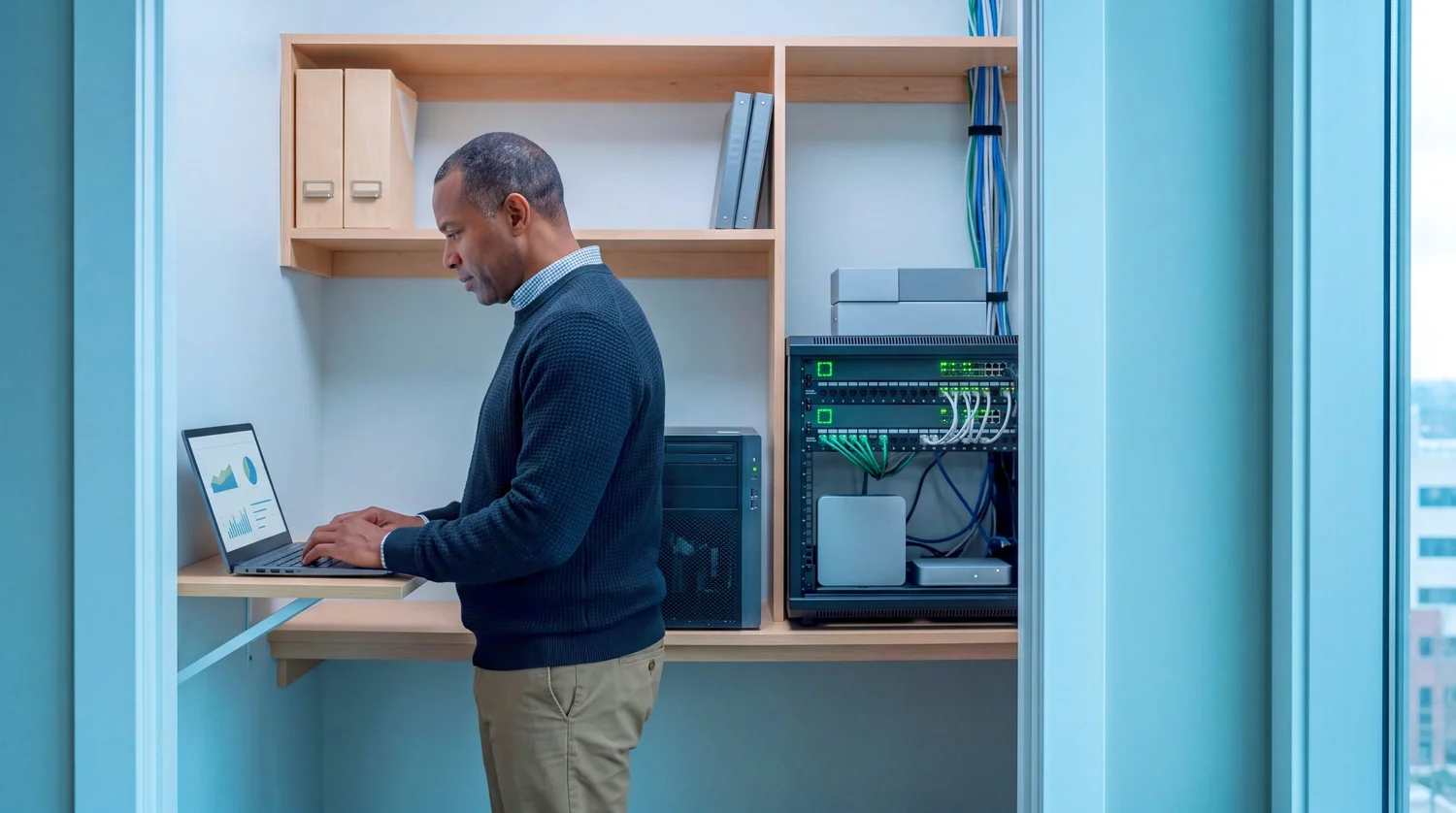

Your Records Stay on Your Computers, and the Whole Company Still Works from One Book
Launching Early 2027 · Join the Early-Access List
HVAC Logix runs on your own Windows PCs and Macs with no online account and no server of ours in the middle. Your customers, prices, wages and books are stored where you put them, backed up to drives you control, and shared across the office and the field over paths your company owns.
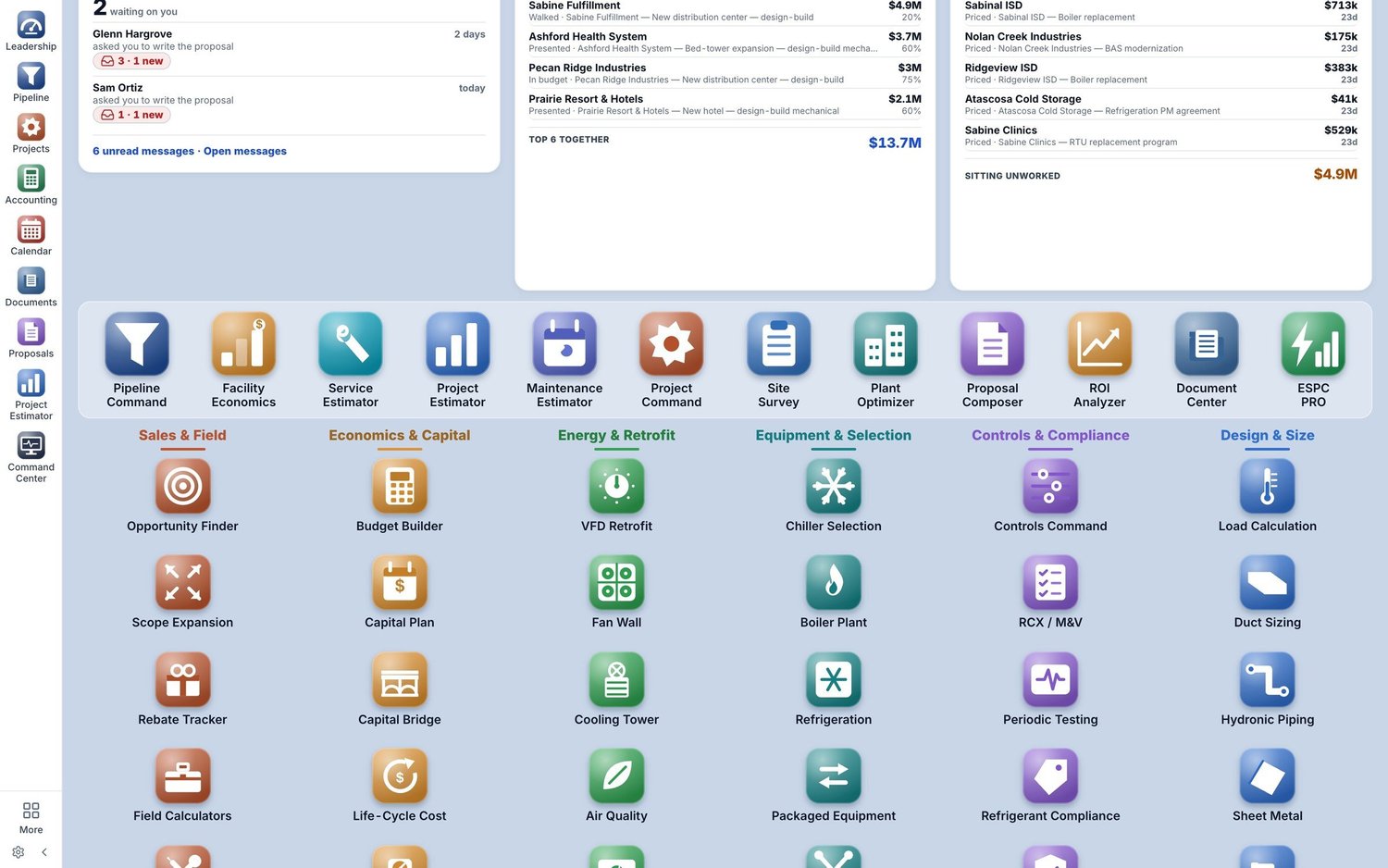
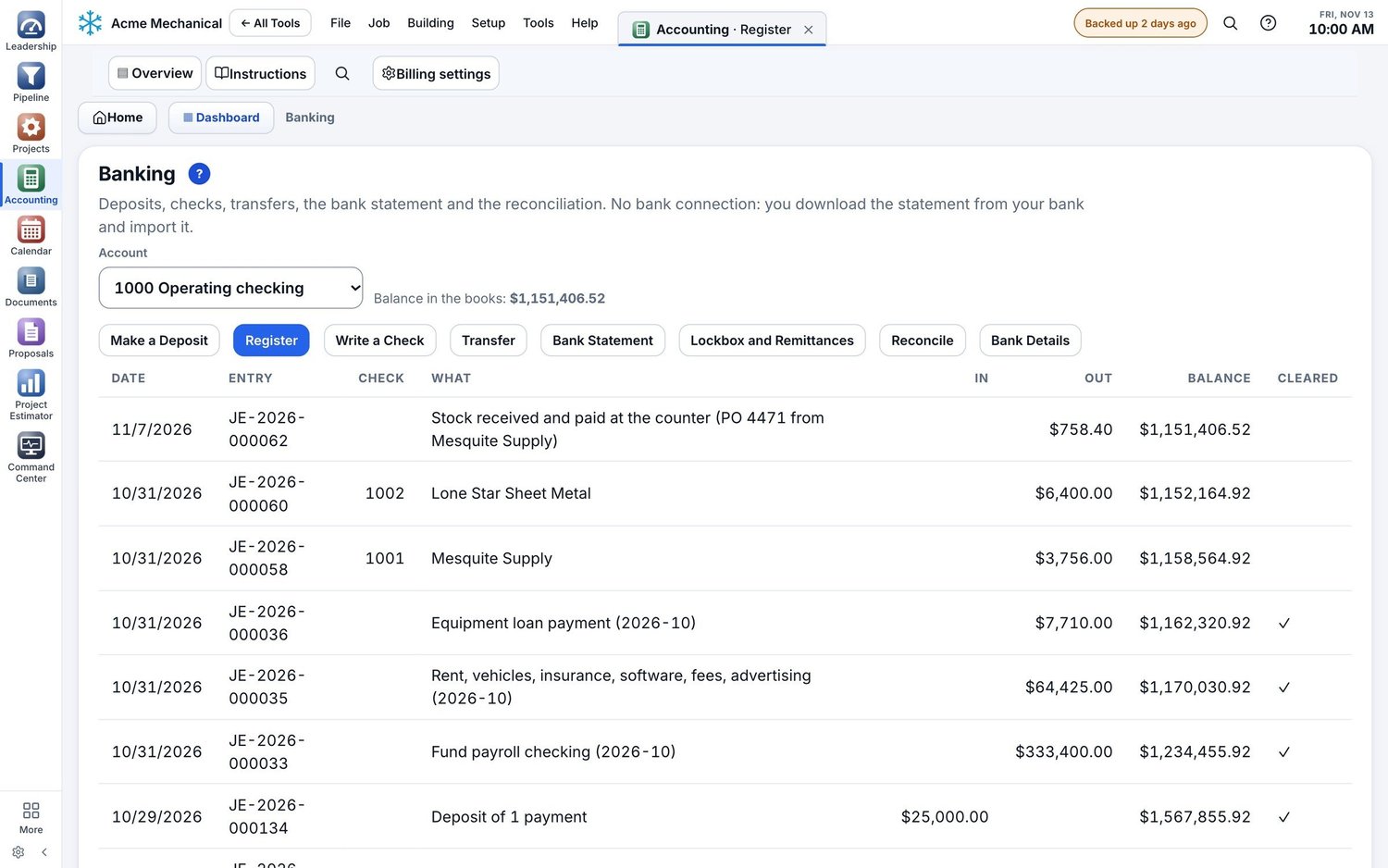
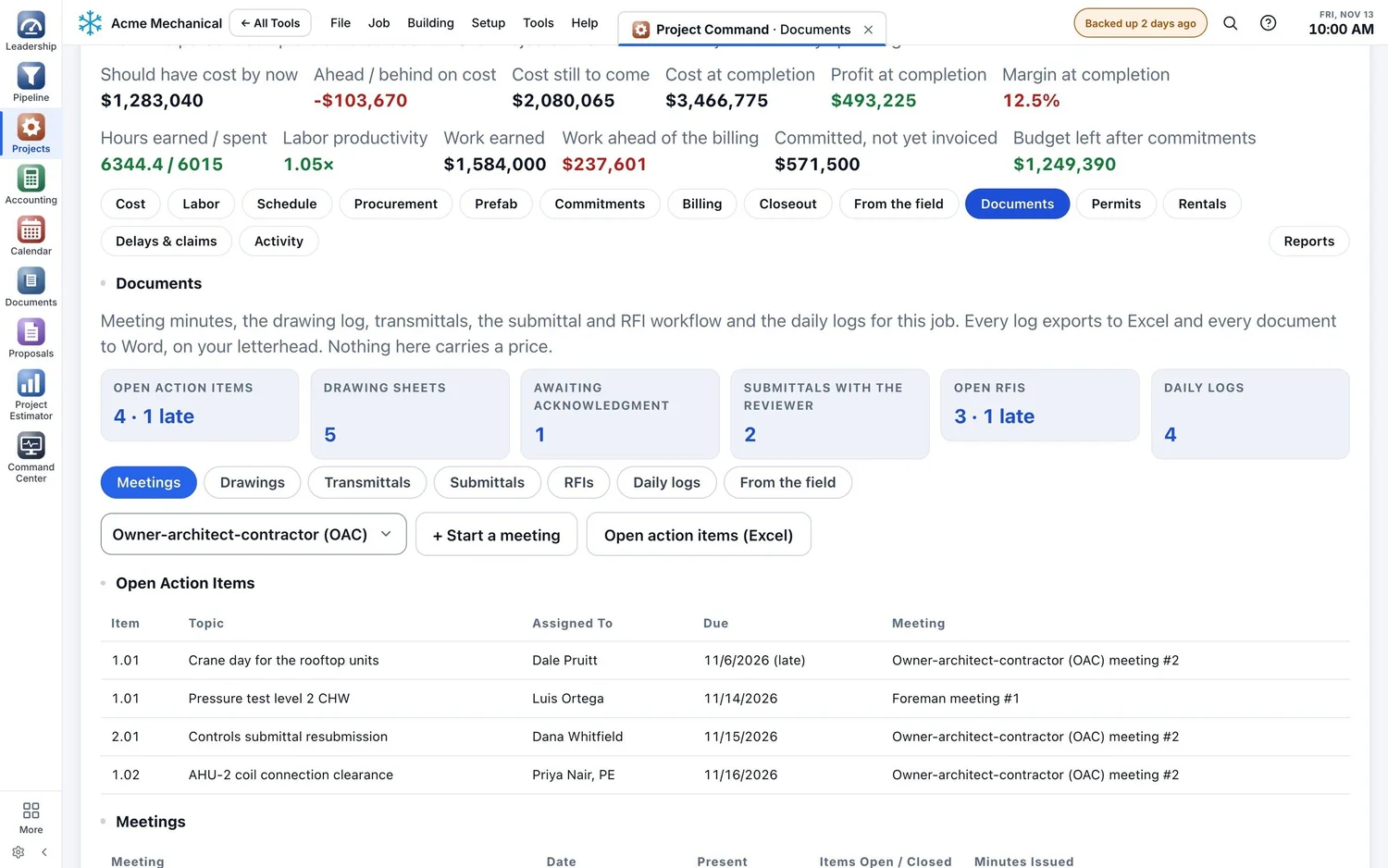
No Online Account, No Outside Server, No Signal Needed
The software works in a mechanical room with no signal and inside a customer's building whose guest network reaches nothing useful.
Stored Where You Work
Equipment lists, dollar figures, margins, customer names and proposals are kept on your own computer or in your company's shared folder. Nothing is uploaded unless you choose one of the sharing paths below, and each of those uses accounts and equipment your company owns.
Learn MoreShow Less
Records on a vendor's server can be held up by an outage, a price change or a breach. Keeping them on your own equipment removes that risk and the monthly hosting bill that comes with it.
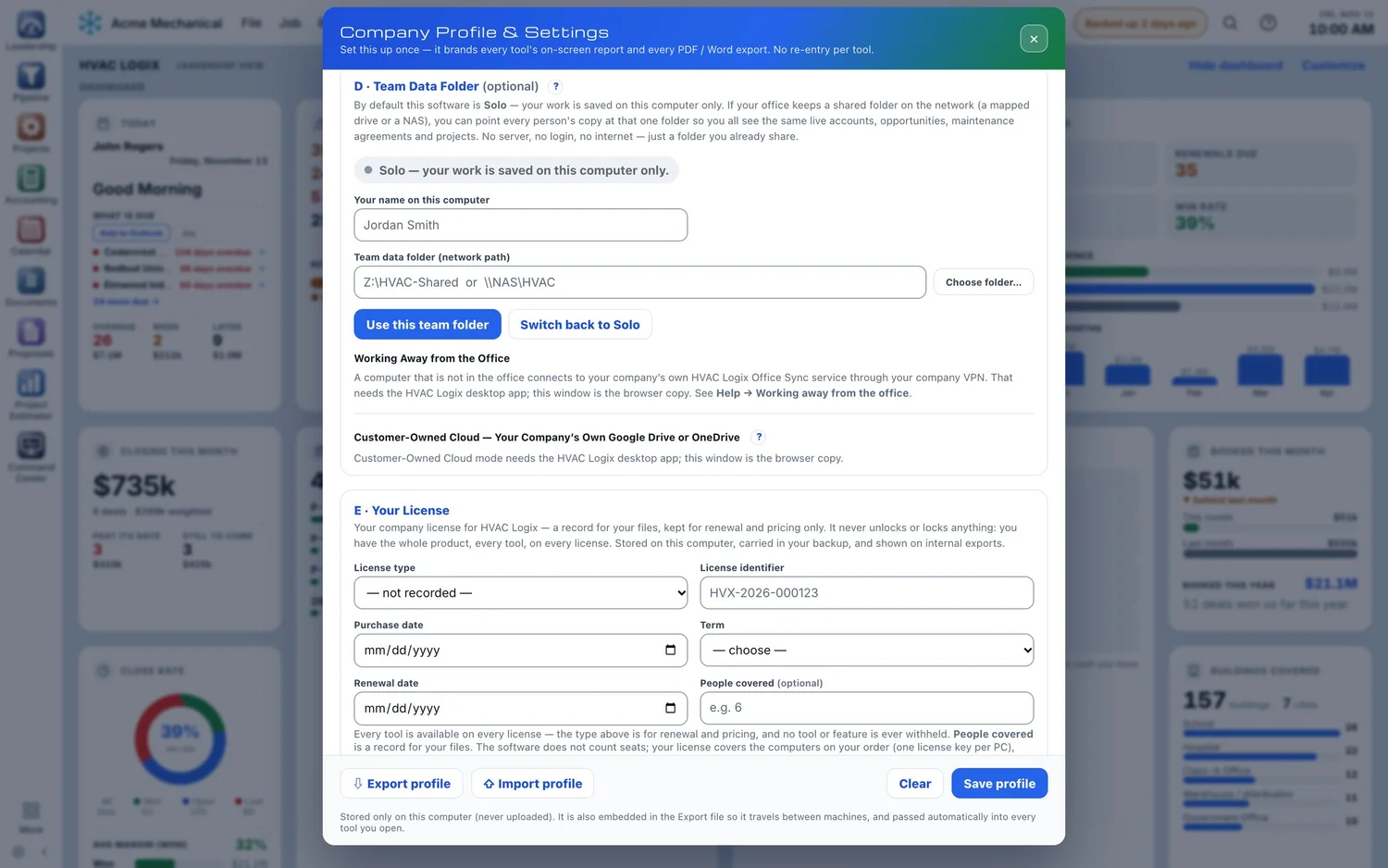
- A team shares one data folder on its own network drive.
- Remote staff reach the office through the company's own VPN and an office sync service you run.
- Or use your own Google Drive or OneDrive folder, encrypted.
- Phones talk only to the company's own office computer.
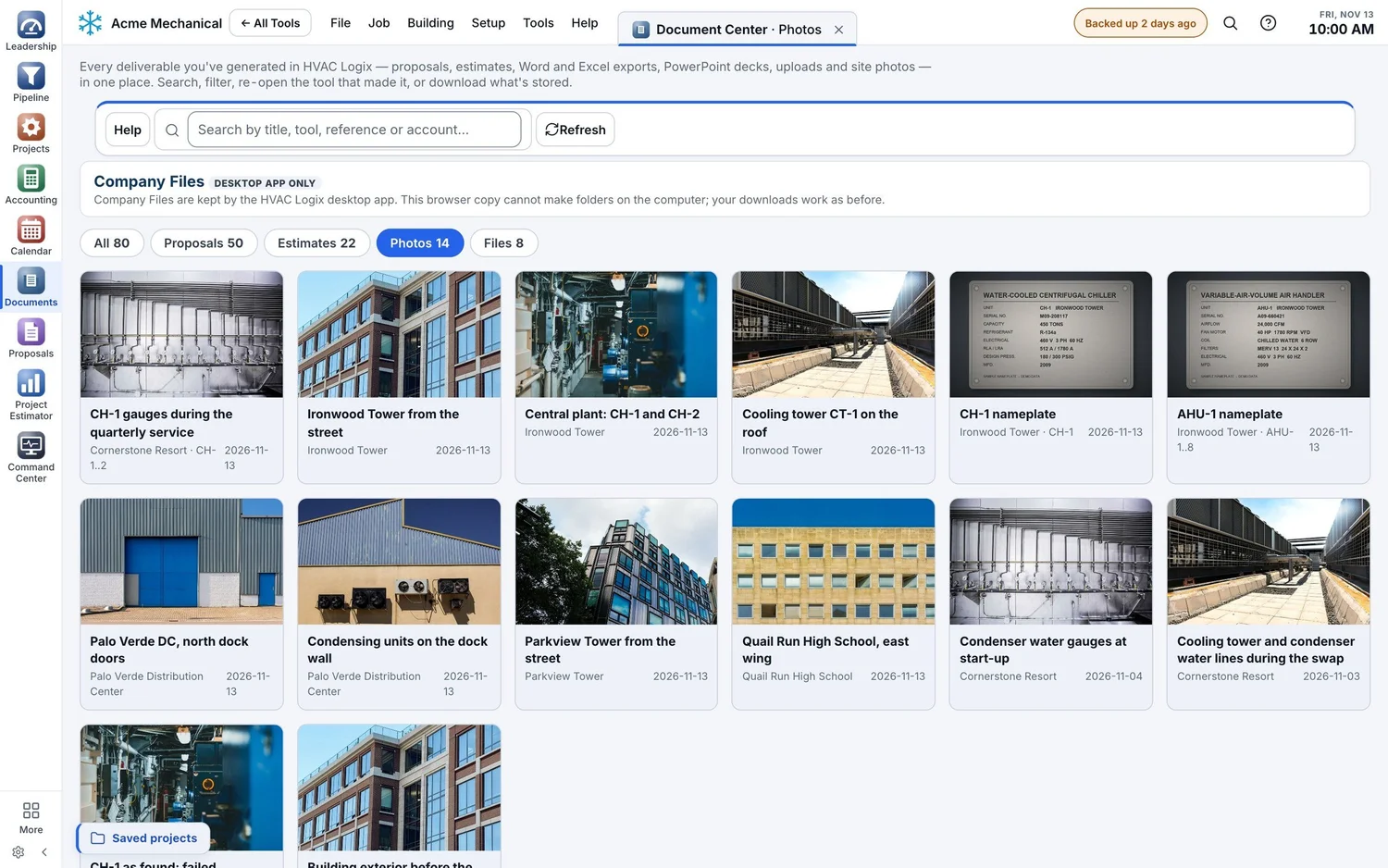
Customer files on someone else's server are a risk, so documents and photos are filed on your own drives.
Nothing Sent to Us
There is no telemetry, no error reporting and no license check that phones home. A problem report is sent only if you choose to send it, and you read the whole report first.
Learn MoreShow Less
Your prices, margins and customer list are worth money to someone else. Keeping them off any outside server protects them, and the protection is enforced, not just promised.
- Every page carries a security policy that blocks outbound connections, including quiet image beacons.
- A final gate refuses any request to a server outside your own PC and company network.
- Every page was tested in a real browser with every outbound request recorded: none left the computer.
- The program refuses to run inside another website.
Lookups Answered on the Computer
ZIP, city, coordinate and elevation lookups come from a database of 42,342 ZIP codes bundled with the product. Design weather comes from bundled climate stations, and the sales and dispatch maps use map files that ship with the program.
Learn MoreShow Less
A lookup that needs the internet stops work in a basement mechanical room. Bundled data keeps estimates and site walks moving anywhere.
- Design weather comes from bundled climate stations, so no tool asks a weather service.
- The map and route planning use only shipped map files; no address or route request leaves the computer.
- The phone's Navigate button hands one destination to the phone's own maps app, only when tapped.
- Bank and tax files are read or written on your computer, never sent.
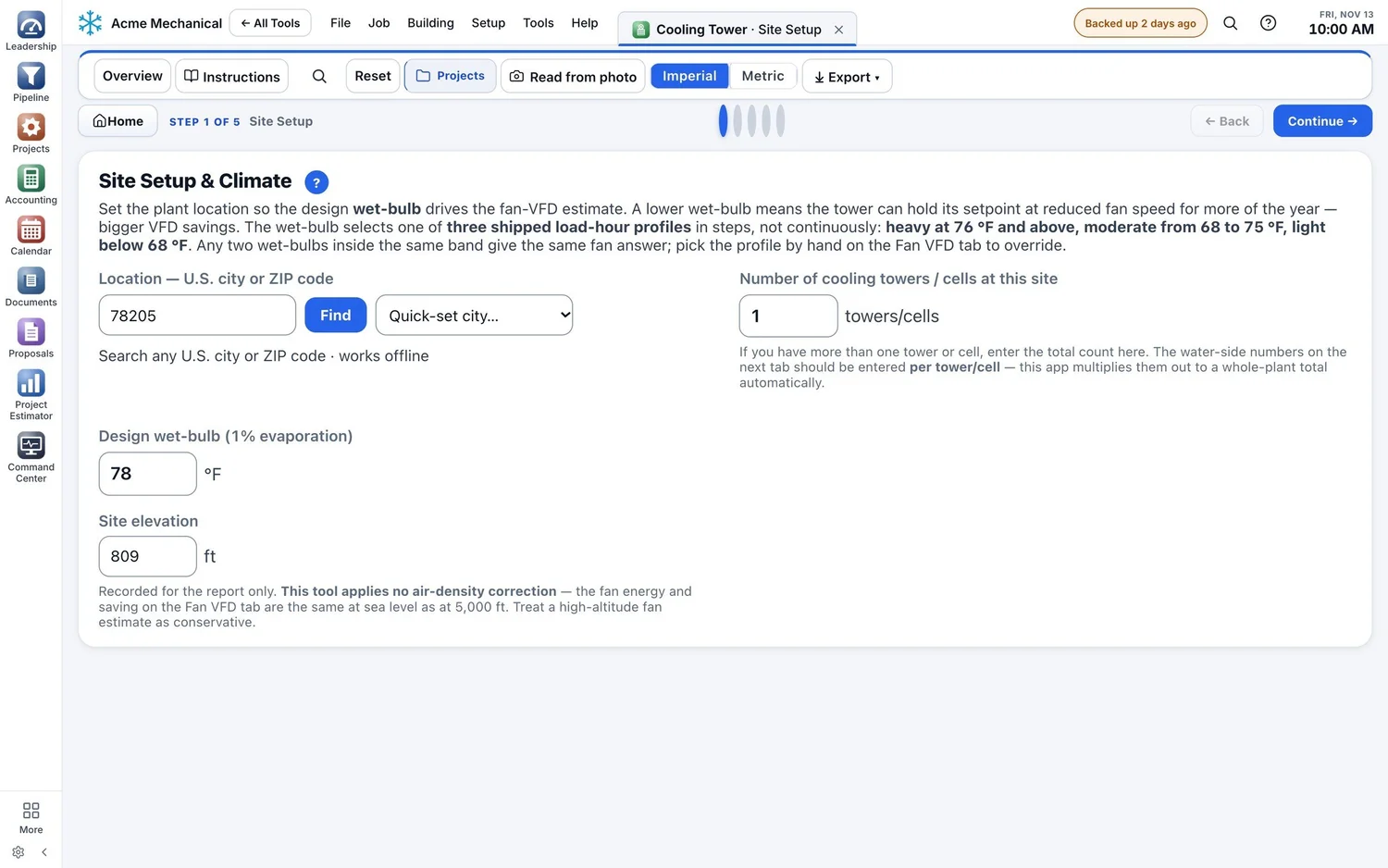
A job site may have no signal, so city and ZIP lookups are answered on the computer.
Bank and Tax Files Go One Way, by Your Hand
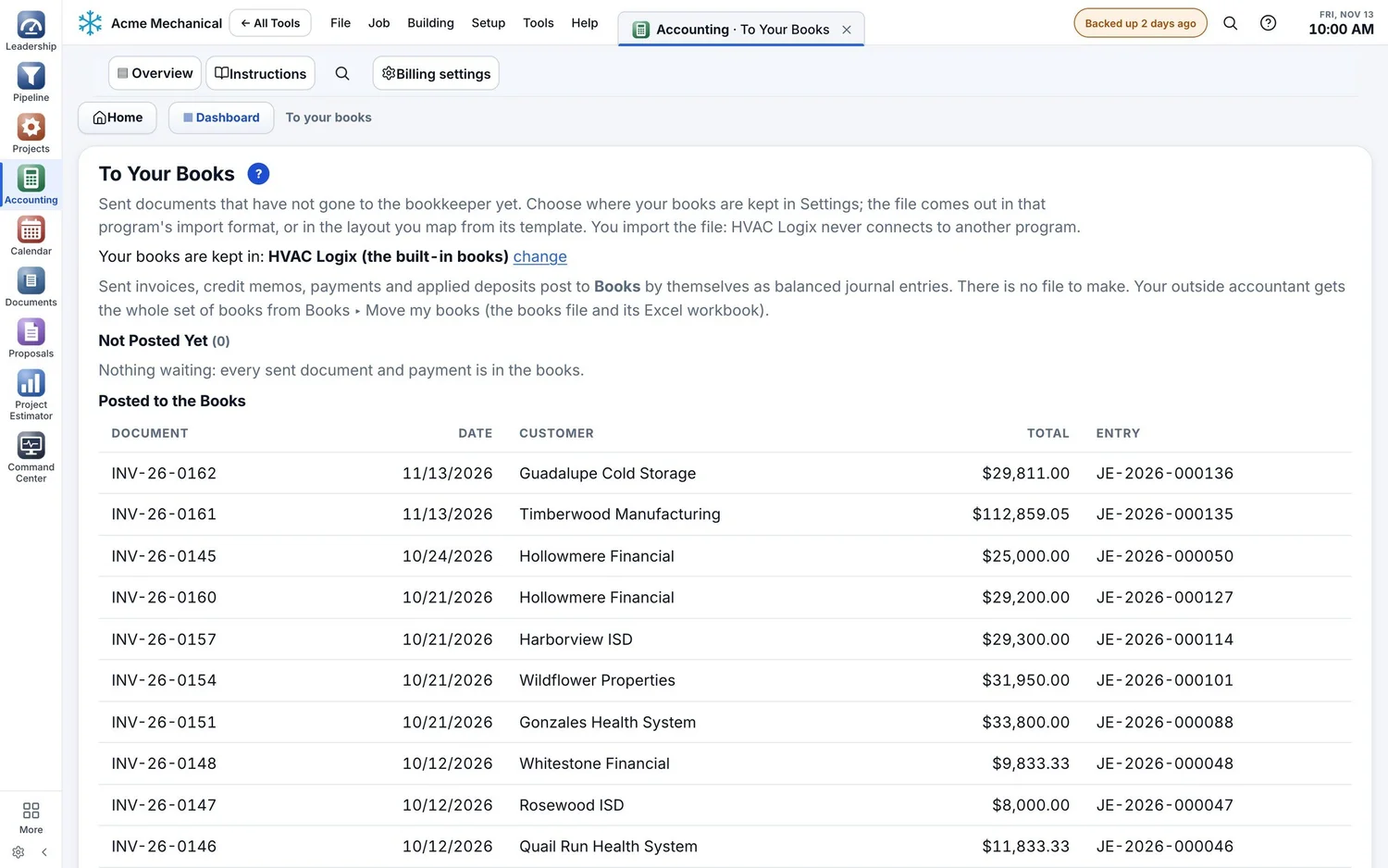
A bank statement you download is read on your computer. Check files, direct-deposit files and tax worksheets are written to your computer for you to send. HVAC Logix never connects to a bank or a tax authority.
Learn More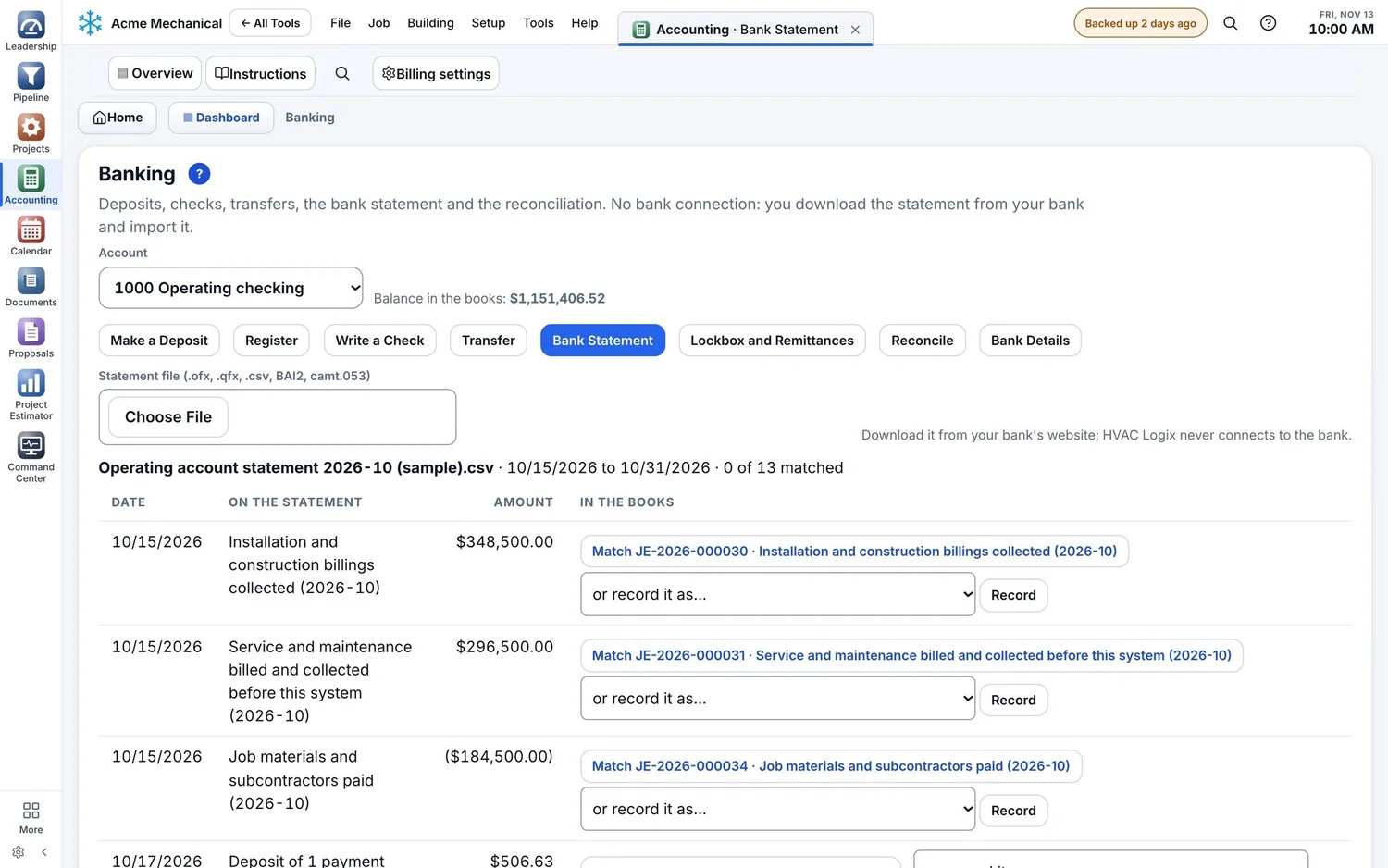
Connecting to a bank adds risk, so statements come in as files you download yourself.
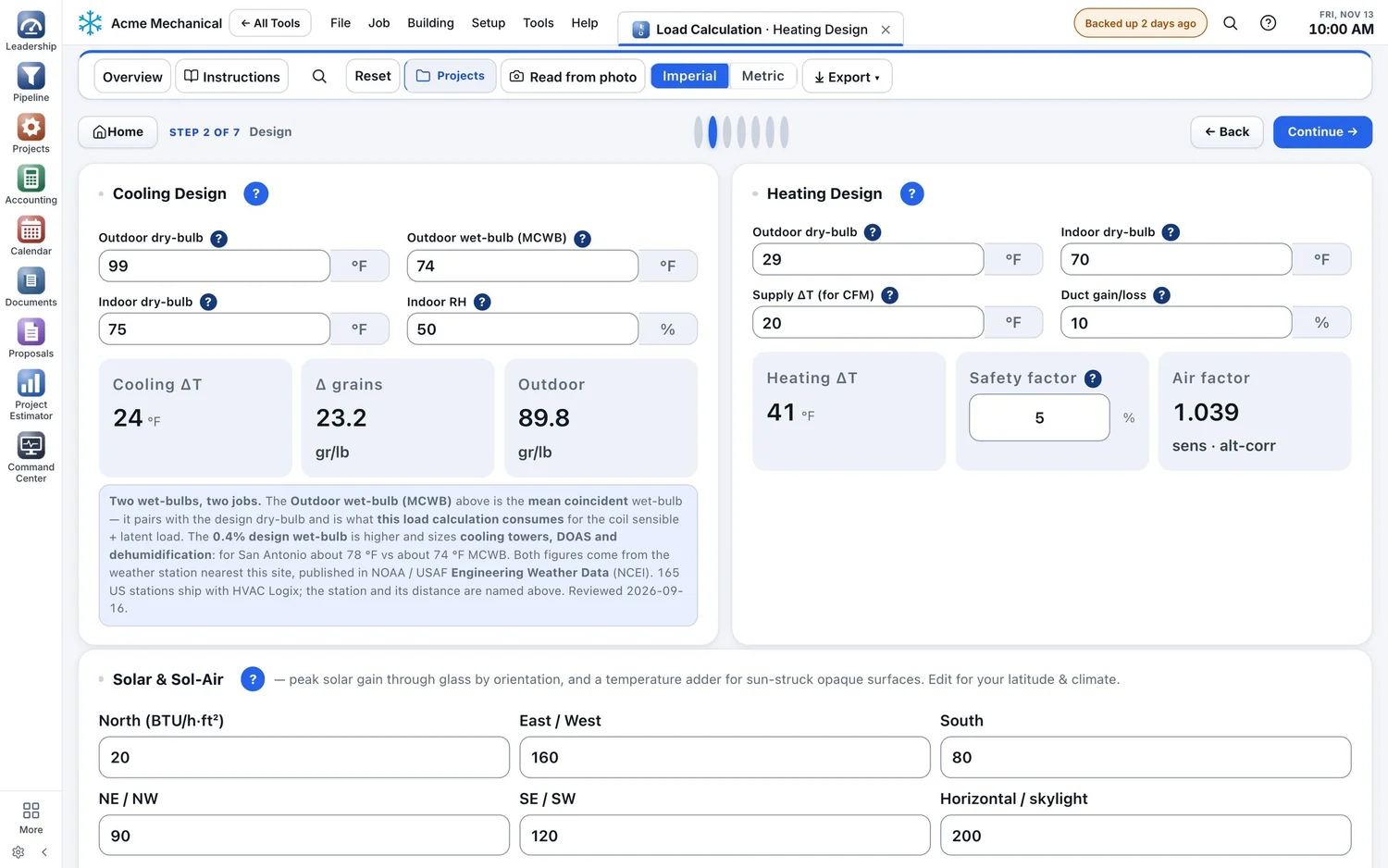
A mechanical room often has no signal, so design weather comes from stations bundled with the program rather than the internet.
Four Ways to Work, from One Computer to the Whole Company
Each mode is off until you turn it on, and a computer can go back to working alone in one click.
Solo
- The starting point: your work is saved on the computer in front of you
- Right for one person on one computer, with nothing to set up
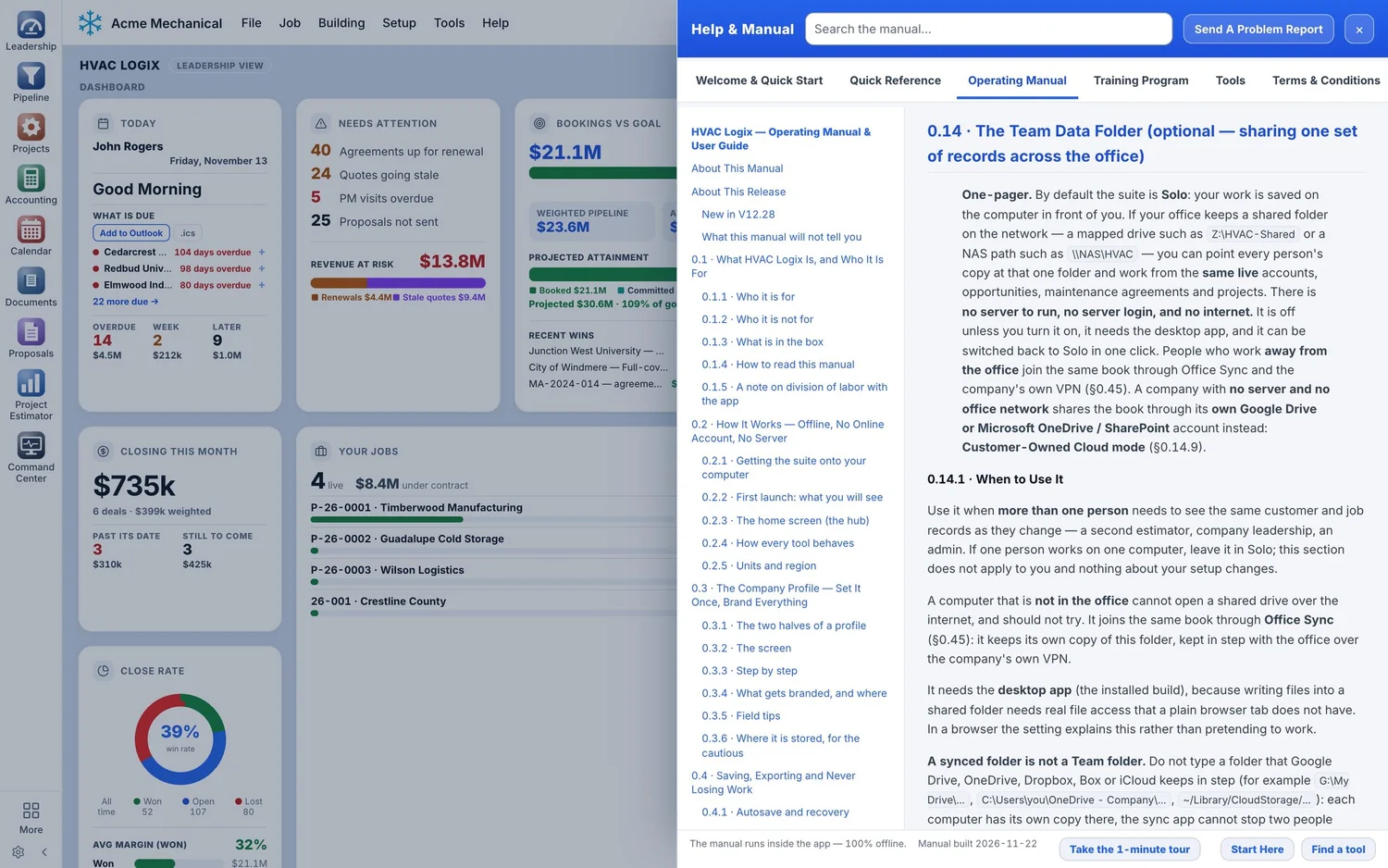
The Team Data Folder
- Point every person's desktop app at one shared folder on the office network or NAS
- Everyone works from the same live accounts, opportunities, agreements, jobs and books
- No server to run and no server login
- If the shared drive drops off the network, each computer keeps working and delivers its changes when the drive is back
Office Sync and Your Own VPN
- A small service on one always-on office computer or the office NAS
- A laptop at home, at a customer's site or in another town works from the same live book
- Technicians' phones send work and get jobs from anywhere with a signal, through the company's own VPN
- Nothing is opened to the internet except the VPN's own port
Customer-Owned Cloud Mode
- For a company with no server and no office network, where everyone works from laptops
- Computers share the book through one folder in your company's own cloud drive account
- Each computer encrypts and signs what it saves before the drive's sync app sees it, and only your computers hold the keys
- Each computer keeps its own full copy, so every screen stays fast and keeps working with no internet
- When the same record is changed in two places, the second version is listed for you to keep or set aside
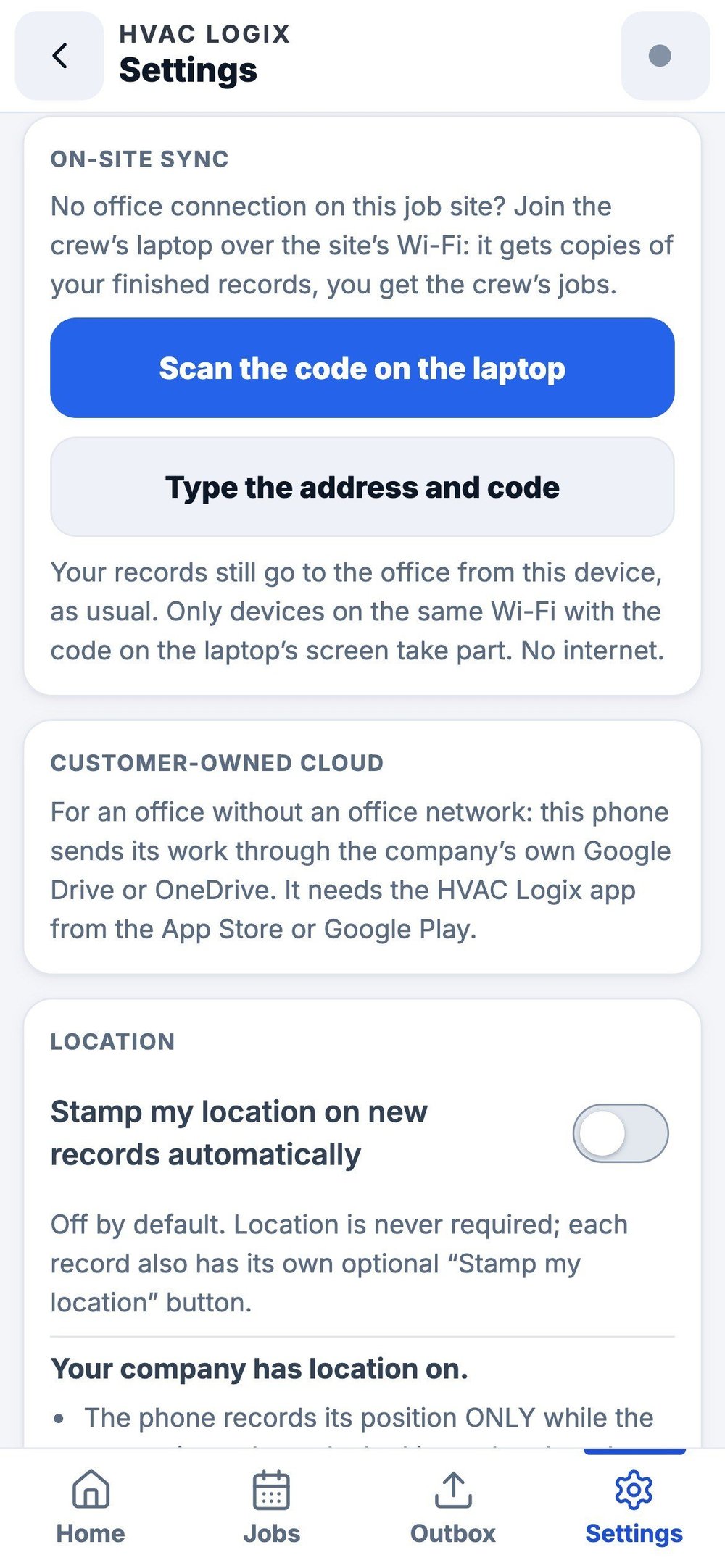
Some companies have no office network, so phones can sync on site or through the company's own cloud.
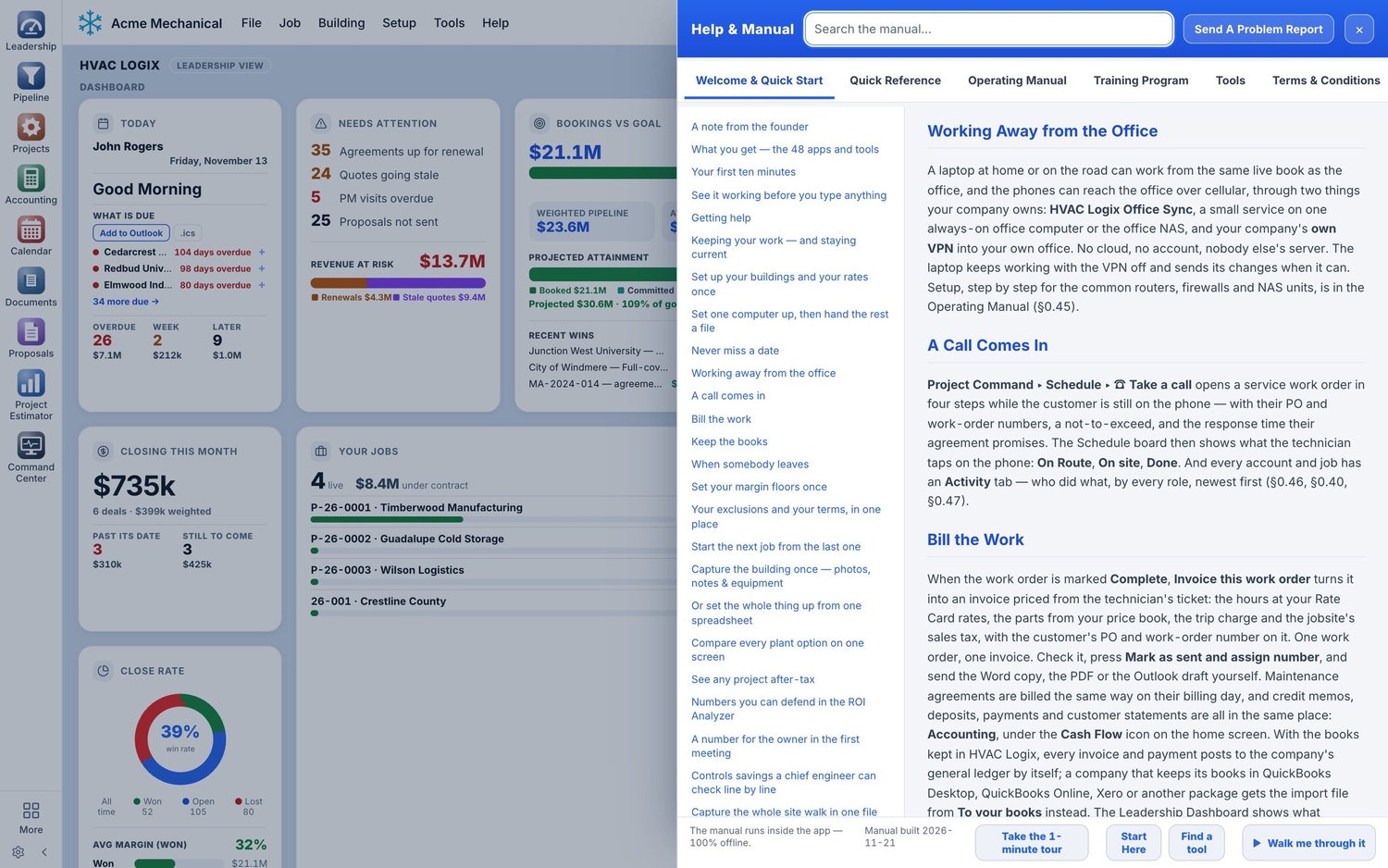
Staff away from the office often work from stale copies, so Office Sync and your own VPN keep every laptop on the same live book.
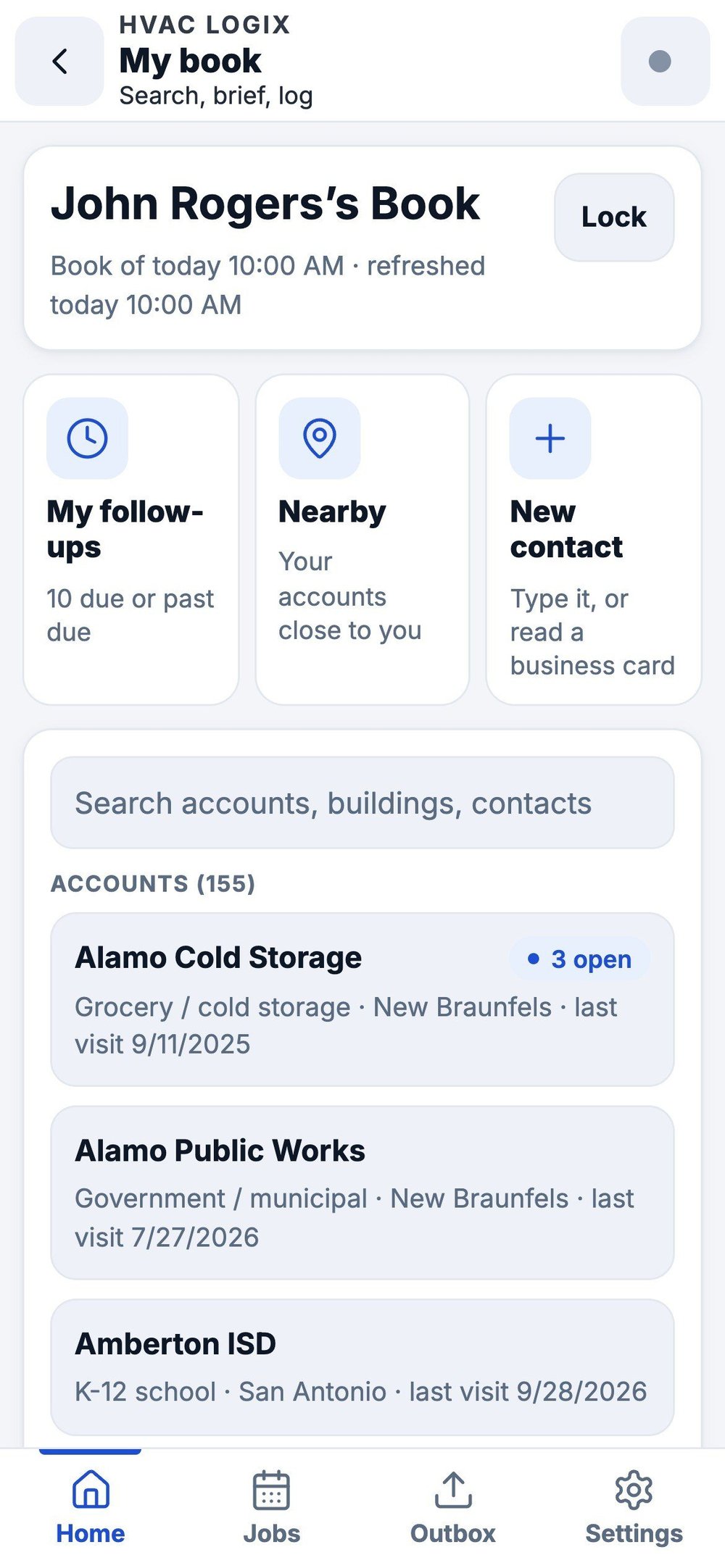
Field Companion Talks Only to Your Office
Field Sync
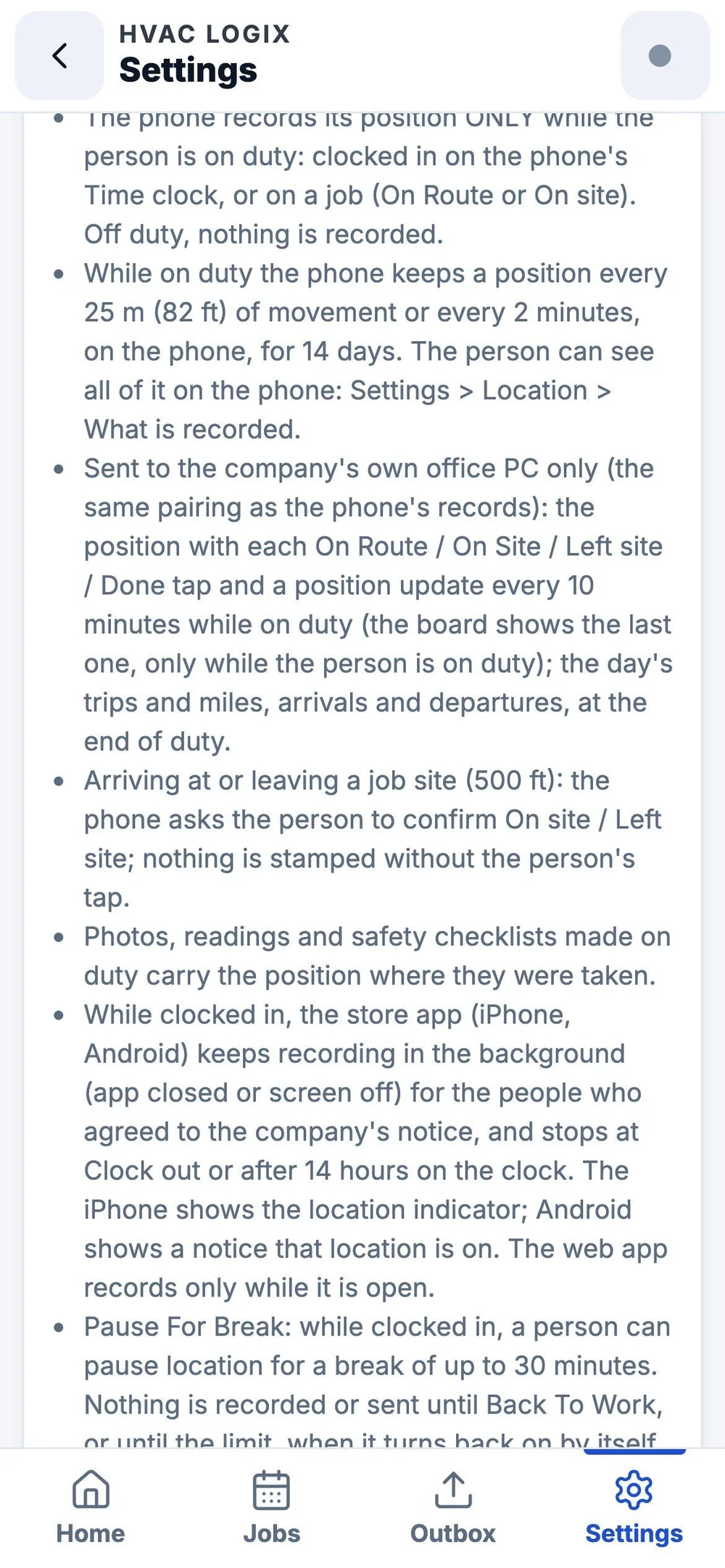
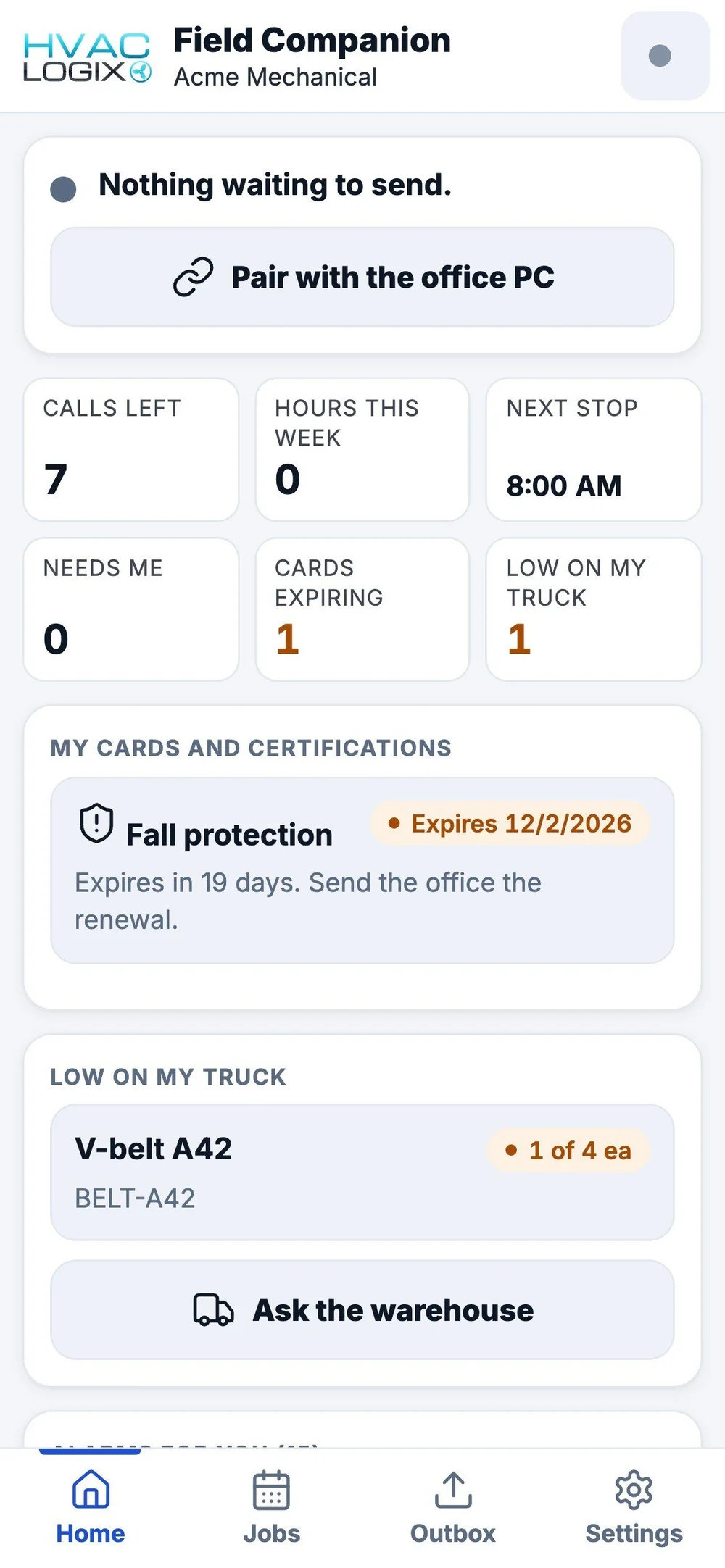
Phones exchange jobs, tickets, photos and signatures with an office computer over the office Wi-Fi, or with Office Sync over your VPN. The phone app works with no signal and sends when it can reach the office.
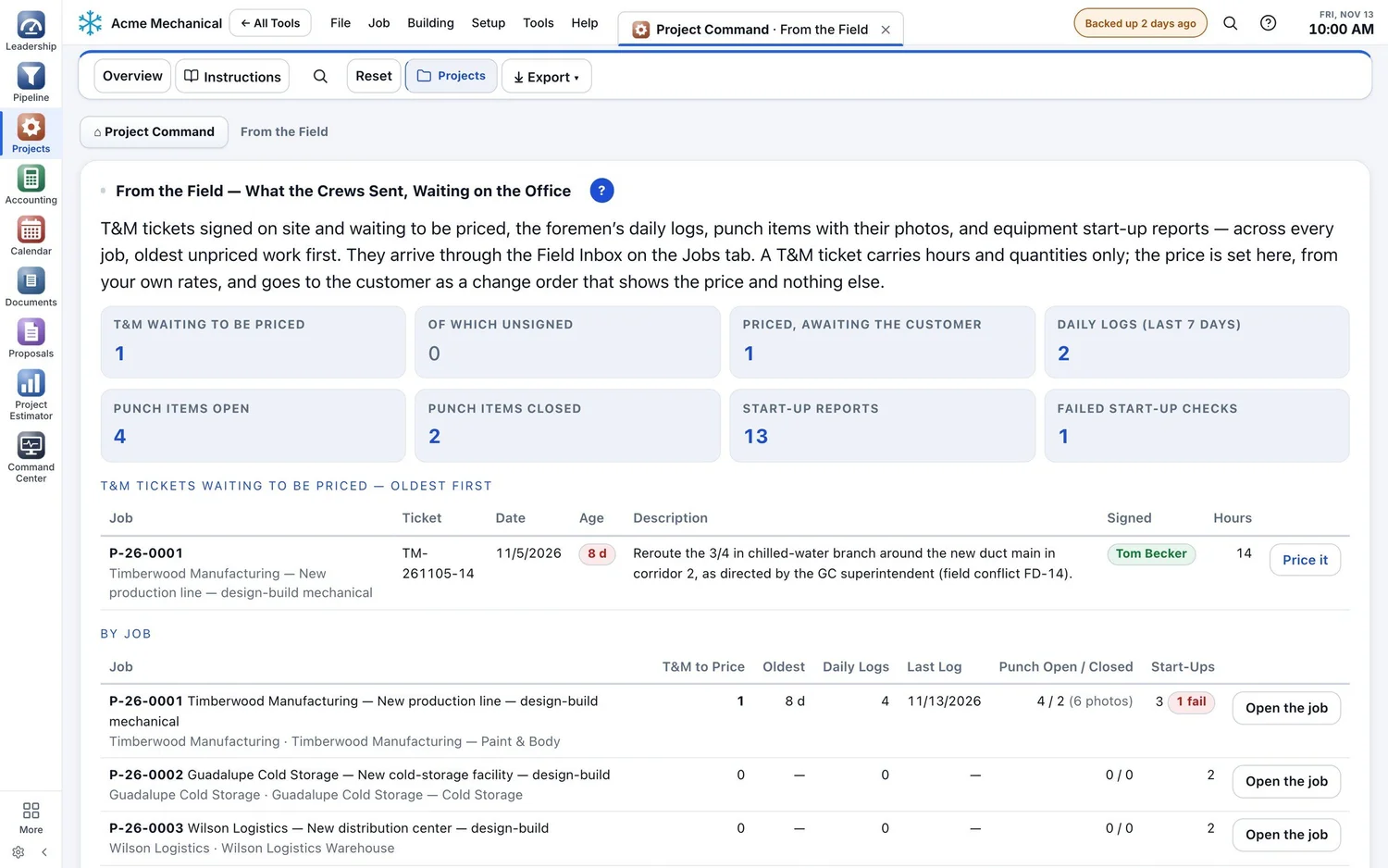
Field records should land in one place, so everything from the phones arrives in the office inbox.
Encrypted with a Key for Each Phone
Everything a phone and the office exchange is encrypted end to end. Where there is no network at all, jobs and finished work move as files sealed with the technician's Field passcode.
Lost Phones and People Who Leave
Mark a phone as a Lost Device and it stops at once, then erases its jobs and records the next time it reaches the office. Mark a person as having left and their phones are removed at once.
Set Up from the Office
The Field App screen on the office computer does the setup. Stand next to it with the phone on the office Wi-Fi and scan the code: the app opens, goes on the home screen and pairs. The same screen lists every paired phone, shows what has come in from the field, previews the phone app and gets today's jobs ready, with customer prices only and never costs.
On-Site Sync Without the Office
On a site with no way back to the office, one laptop starts on-site sync and the crew's phones and laptops join it over the site's own Wi-Fi or a phone's hotspot with a code. They trade jobs and status without the internet, and every record still goes to the office from the phone itself, so nothing is imported twice.
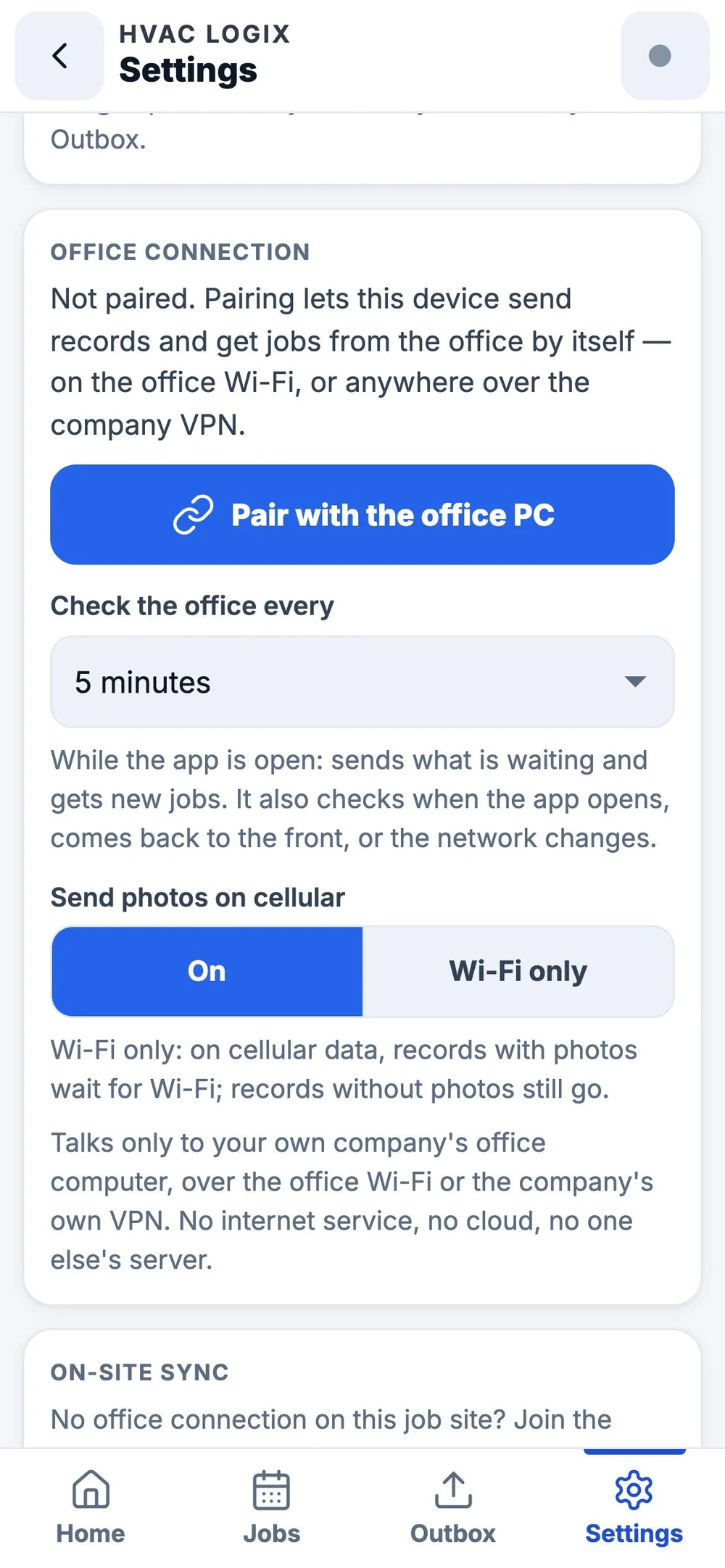
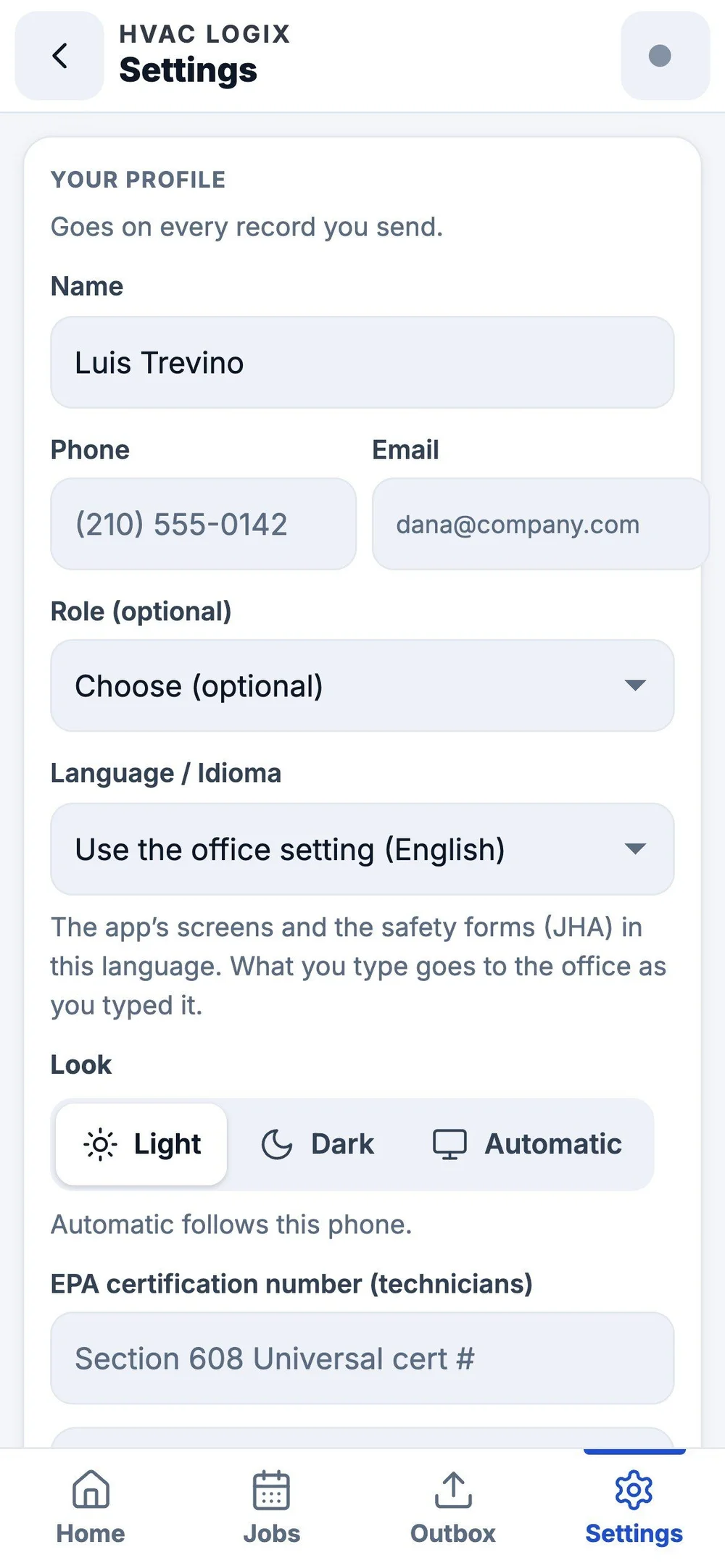
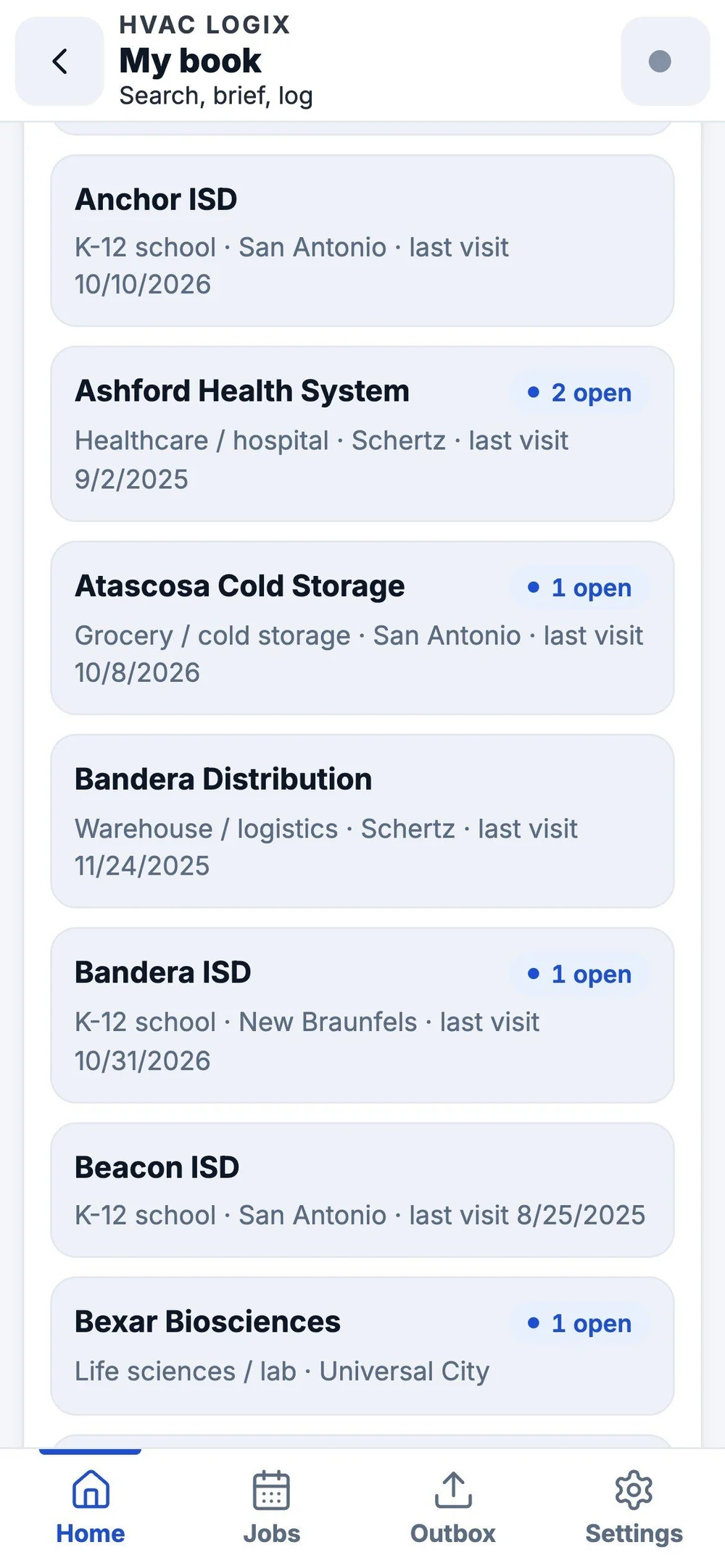
Phone apps that sync through someone else's cloud put your data at risk, so Field Companion pairs only with your own office computer.
A Backup Every Day, to Drives Your Company Owns
Automatic Daily Backups
Once a day the desktop app writes one complete backup file to this computer and, with a team folder, to the team drive. Each file is checked after it is written, so a half-written file is never counted as a backup.
Learn MoreShow Less
A lost book of business can end a company. The backup runs by itself, so protection does not depend on someone remembering.
- It runs the first time the program is open for about a minute after 20 hours have passed.
- If one destination, such as a disconnected drive, fails, a message names it and the other copy is still made.
- With a large company the backup takes about 4 seconds, and the program keeps answering.
- Back Up Now saves wherever you choose.
Fourteen Days and Twelve Months
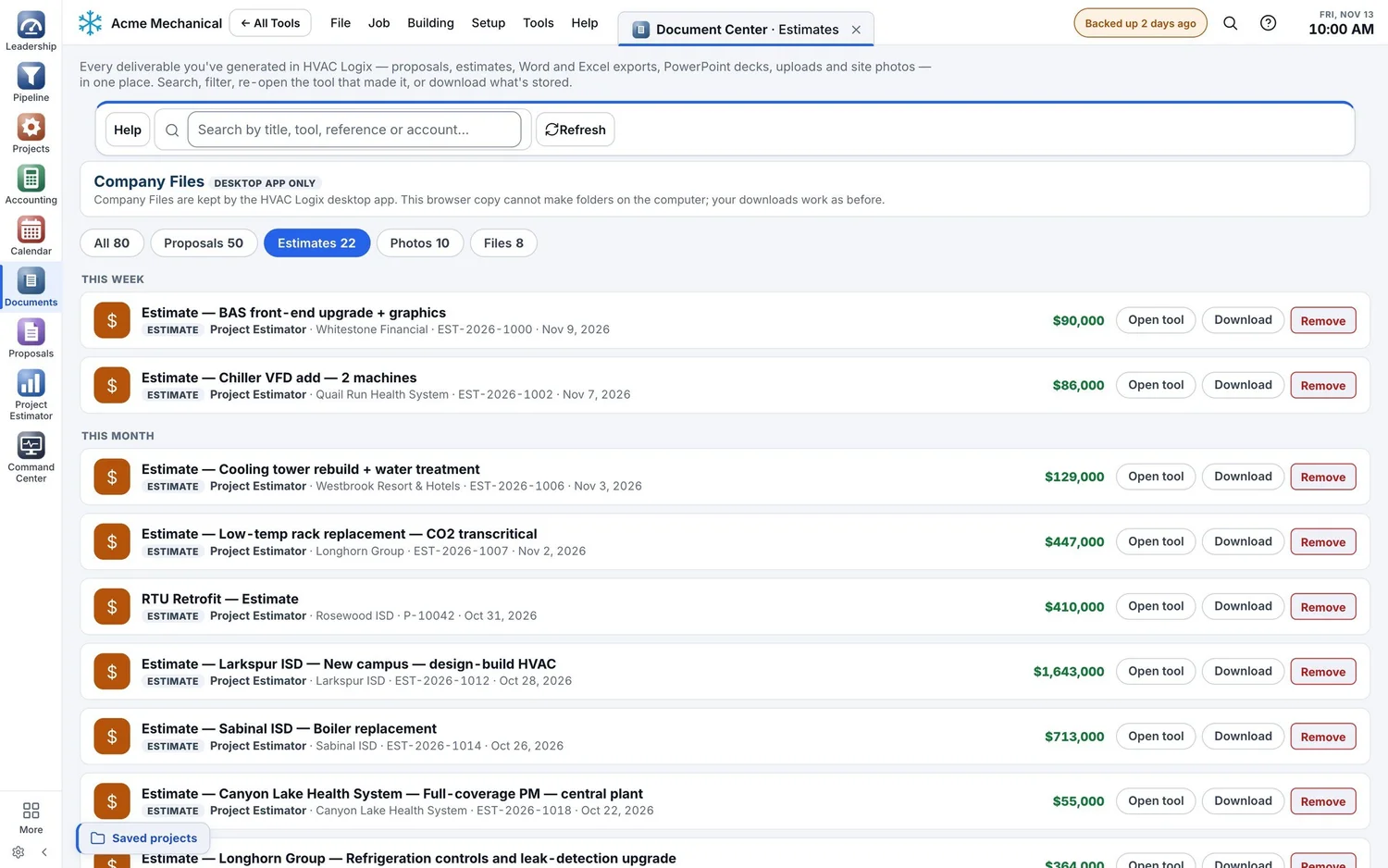
The newest 14 backups are kept in each place, plus the newest backup of each of the 12 months before, so a loss noticed weeks later can still be put back. A chip in the header says when the last backup ran.
Learn MoreShow Less
A mistake noticed weeks later is still fixable, so a bad entry or deleted job does not become lost revenue.
- The header chip reads "Backed up today", "Backed up yesterday" or the days since.
- Point at the chip for the exact time and the destinations.
- Each destination keeps its own 14 daily and 12 monthly copies.
- A restore is all or nothing.
Encrypted Backup Files
Backups are sealed with your company key, or with a recovery key that is shown once for you to print and keep away from the computers. A wrong key or a changed file is refused and nothing on the computer changes.
Learn MoreShow Less
A backup file holds your customers, prices, wages and books, so a stolen copy is a real loss. Encryption makes a copy useless to anyone without the key.
- The recovery key is 55 letters and digits in 11 groups.
- The program keeps only the public half; the recovery key is never stored on the computer or in a backup.
- Encrypted backups use AES-256, and a page that cannot encrypt refuses to save.
- If the key is lost, nobody can open the backup, Logix Industries included.
Protected Fields
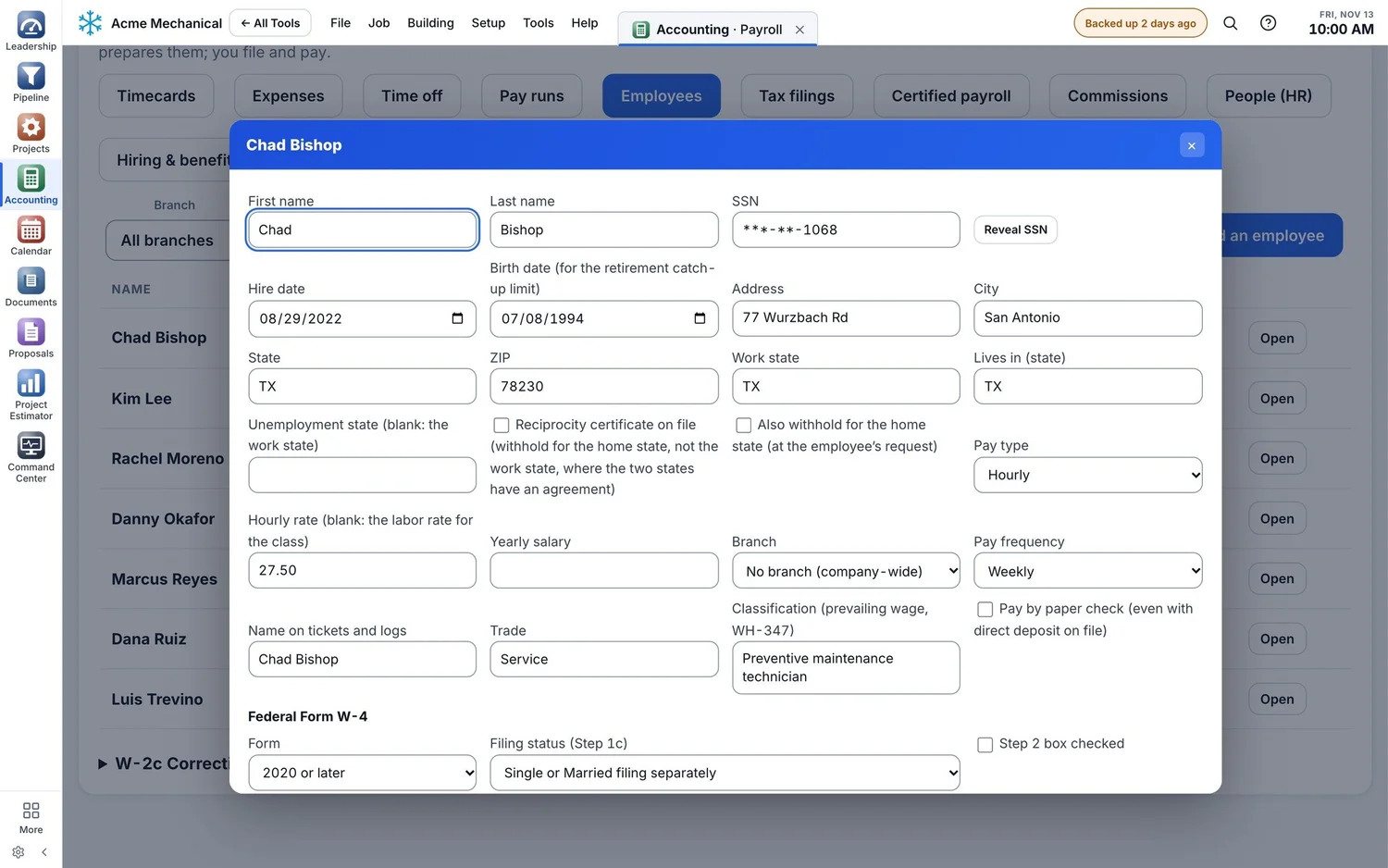
Social Security numbers, employees' bank details, vendors' tax and bank numbers and the company's own account number are kept encrypted. Screens show the last four digits, and every reveal is written to the activity log.
Learn MoreShow Less
A leaked Social Security or bank number is expensive to clean up. Encryption and logged reveals keep those numbers safe.
- Encrypted with AES-256-GCM; the Team folder and backups hold only the encrypted value.
- The key stays on each computer, readable only by that Windows or Mac user.
- A computer without the key shows the fields locked and refuses to store new ones.
- Back up the key with a passphrase of at least 12 characters, kept off the shared drive.
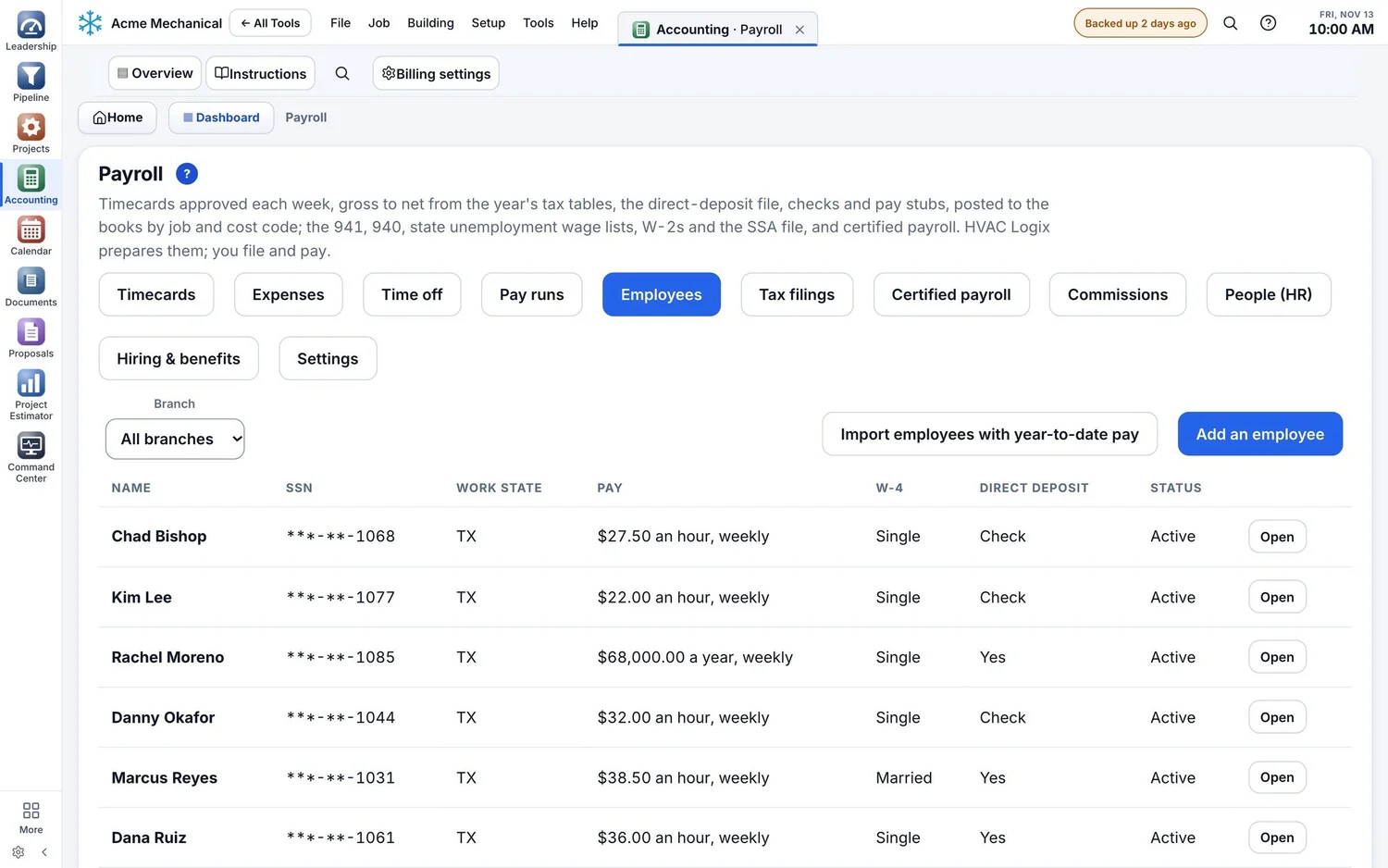
Private numbers should never show in a list, so Social Security numbers stay masked.
One File Moves You to a New Computer
The same backup file restores your work on a new PC or Mac. A restore is all or nothing, so you never end up with half of a company.
Learn MoreShow Less
A failed or new computer should cost an afternoon, not weeks of reentry. One backup file brings the whole company across.
- A half-finished restore is taken back at the next start, and the activity log records it.
- Protected numbers stay locked on the new computer until the key is imported, and nothing is lost.
- Encrypted backups open with the printed recovery key.
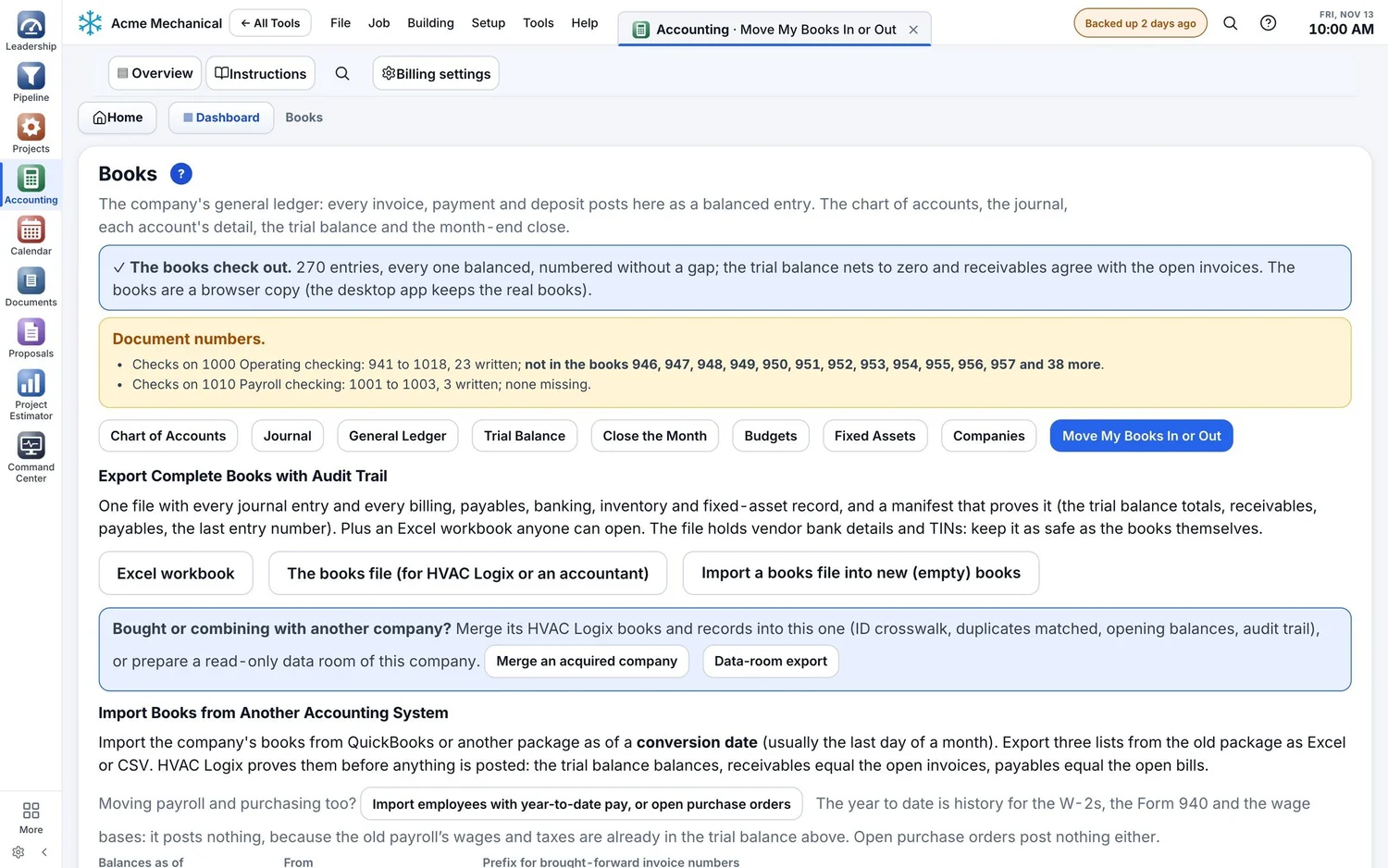
Moving to a new computer should be painless, so the whole set of books leaves as one file.
Export Everything
A copy of all your records in formats any program opens: every list as records and spreadsheet tables, every photo, and a contents list with a fingerprint for each file, written to a new folder you choose. Nothing in the program changes, and sign-in and license secrets are never in it.
Learn MoreShow Less
Your records are yours, and getting them out should never cost a ransom or a conversion fee. Export Everything hands you all of it, any time.
- An expired license never locks you out: you can always read, print, export and back up.
- The books file carries a manifest that proves it: trial balance totals, receivables, payables and the last entry number.
- An Excel workbook lets anyone read the books without the program.
- Protected numbers travel encrypted; the key never does.
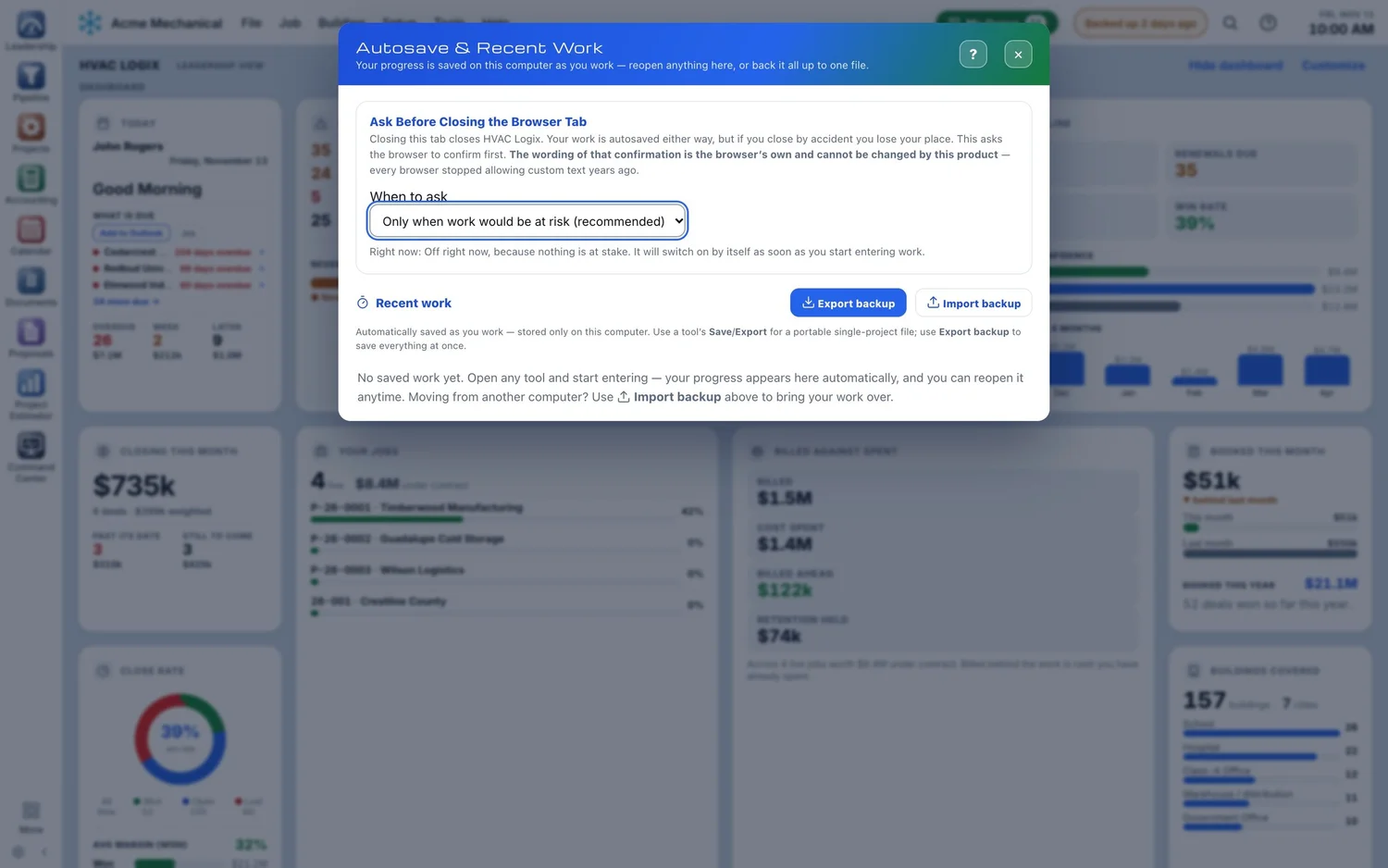
Losing a week of work hurts, so the header shows when the last backup ran and one click exports a full backup file.
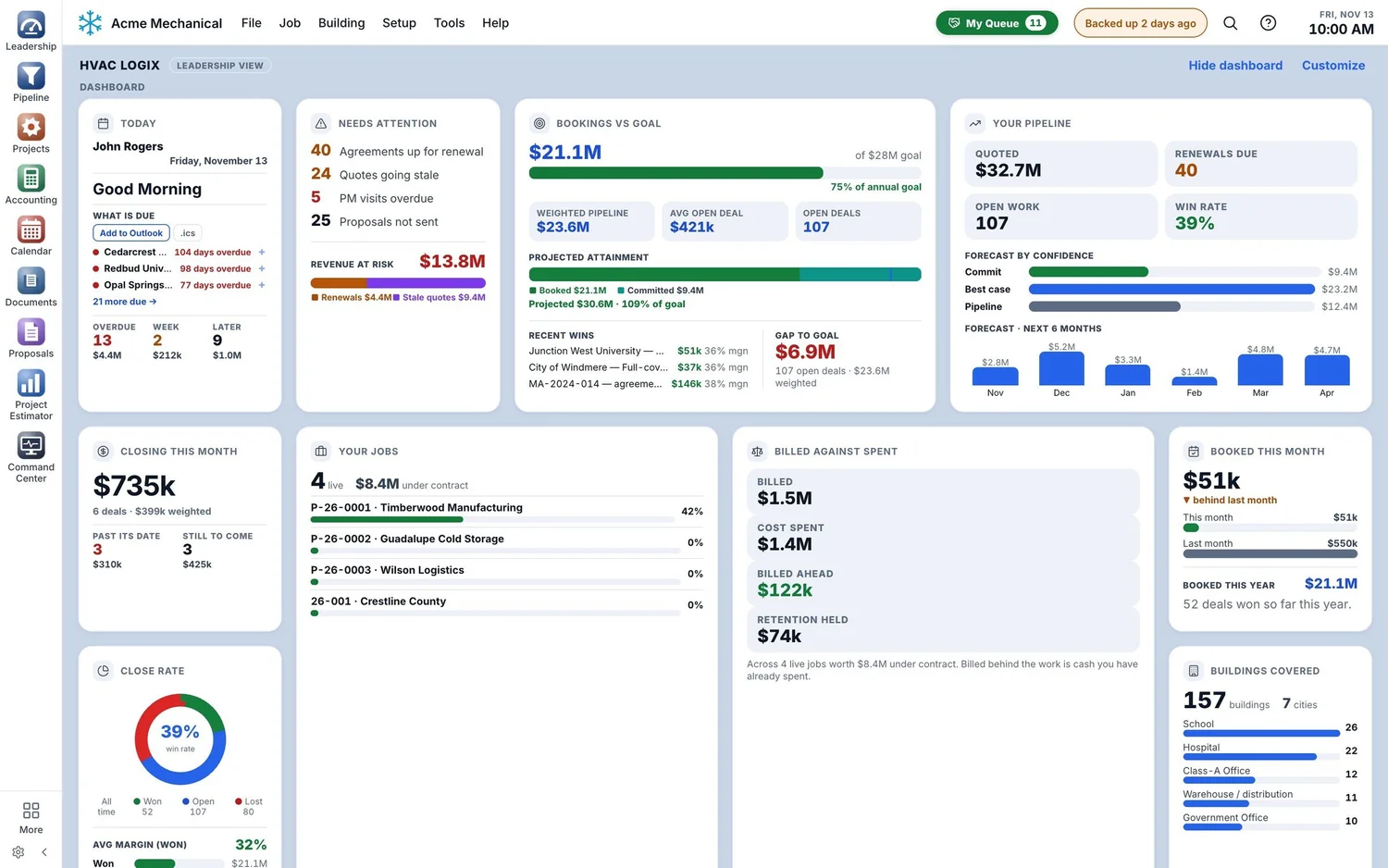
Who May See What, and a Record of Who Did What
Sign-In for Each Person
Each person signs in with their own password or PIN, checked on the computer in front of them. The screen locks after 15 minutes without use, a time you can change, and when the computer sleeps.
Learn MoreShow Less
Shared logins hide who changed a price or a paycheck, and that costs money in disputes. Personal sign-in puts a real name on every entry.
- Passwords are at least 15 characters (NIST SP 800-63B-4) with no forced changes; PINs at least 6 digits.
- Common passwords, number runs and your own name are refused.
- Only a salted, slow fingerprint is kept, never the password.
- A company recovery code, shown once, keeps the company from being locked out.
Roles and Permissions
Roles decide what each person may see and change. Accounting access is set by area as None, View only or Change, and a salesperson sees their own book of accounts.
Learn MoreShow Less
The fewer people who can change money, the fewer costly mistakes and the less room for fraud. Each person gets only what their job needs.
- Seven accounting areas, each set to None, View Only or Change.
- None hides the numbers everywhere, including dashboards and home cards.
- Access can be limited to a person's own jobs or own customers.
- 36 roles are offered, from dispatcher to warehouse to HR.
Change History and Activity Log
Every save is recorded with who, when, which screen and which records and fields changed. The activity log tells the same story in plain sentences on each account and job.
Learn MoreShow Less
When a customer disputes a price or a date, a written history settles it fast. Every change is recorded as the work is saved, with nothing to switch on.
- Old and new values are kept where a price, stage or status changed.
- Check the History reports any entry removed or edited afterwards.
- Kept 400 days on each computer and carried in backups; Save as CSV for a spreadsheet.
- Pay amounts and values such as wages are never written to the history.
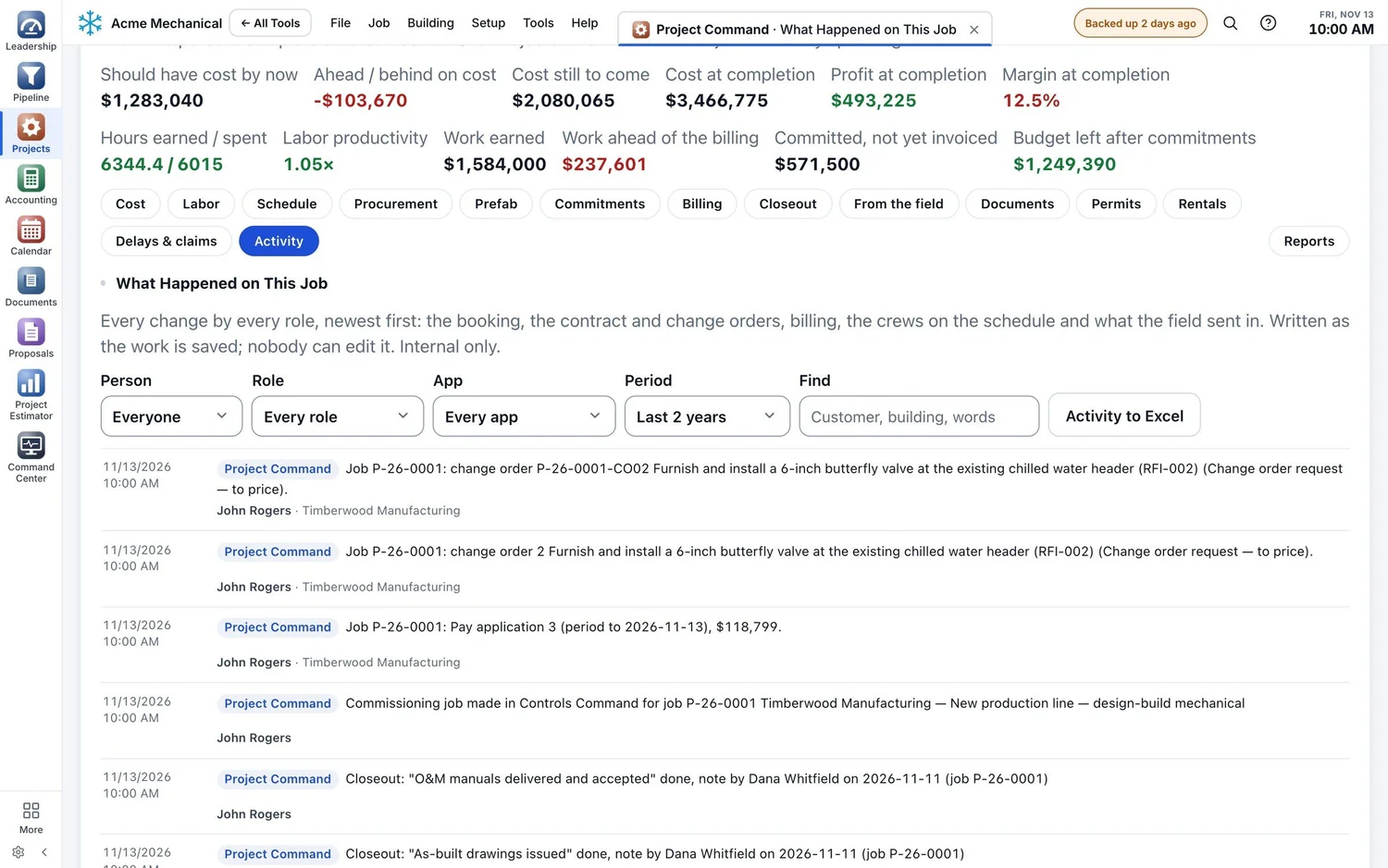
Nobody remembers who changed a record, so every save is logged with who and when.
Tamper-Evident Compliance Records
Safety, refrigerant, vehicle inspection and other compliance records are sealed in a hash chain. Reports carry a records fingerprint, and Verify Records lists anything changed or removed since it was sealed. It shows that a record changed. It does not stop a change.
Learn MoreShow Less
When an inspector or a lawyer asks whether a safety or refrigerant record was changed, a provable answer avoids fines and lost claims.
- Covers lockout/tagout, heat and cold checks, safety inspections, vehicle inspections, pressure tests, refrigerant leaks and cylinders.
- A change made in the program shows as a dated change entry, not as tampering.
- Verify checks a fingerprint copied from a printed report.
- Keep printed or PDF copies outside the computer: an earlier fingerprint cannot be made to match again.
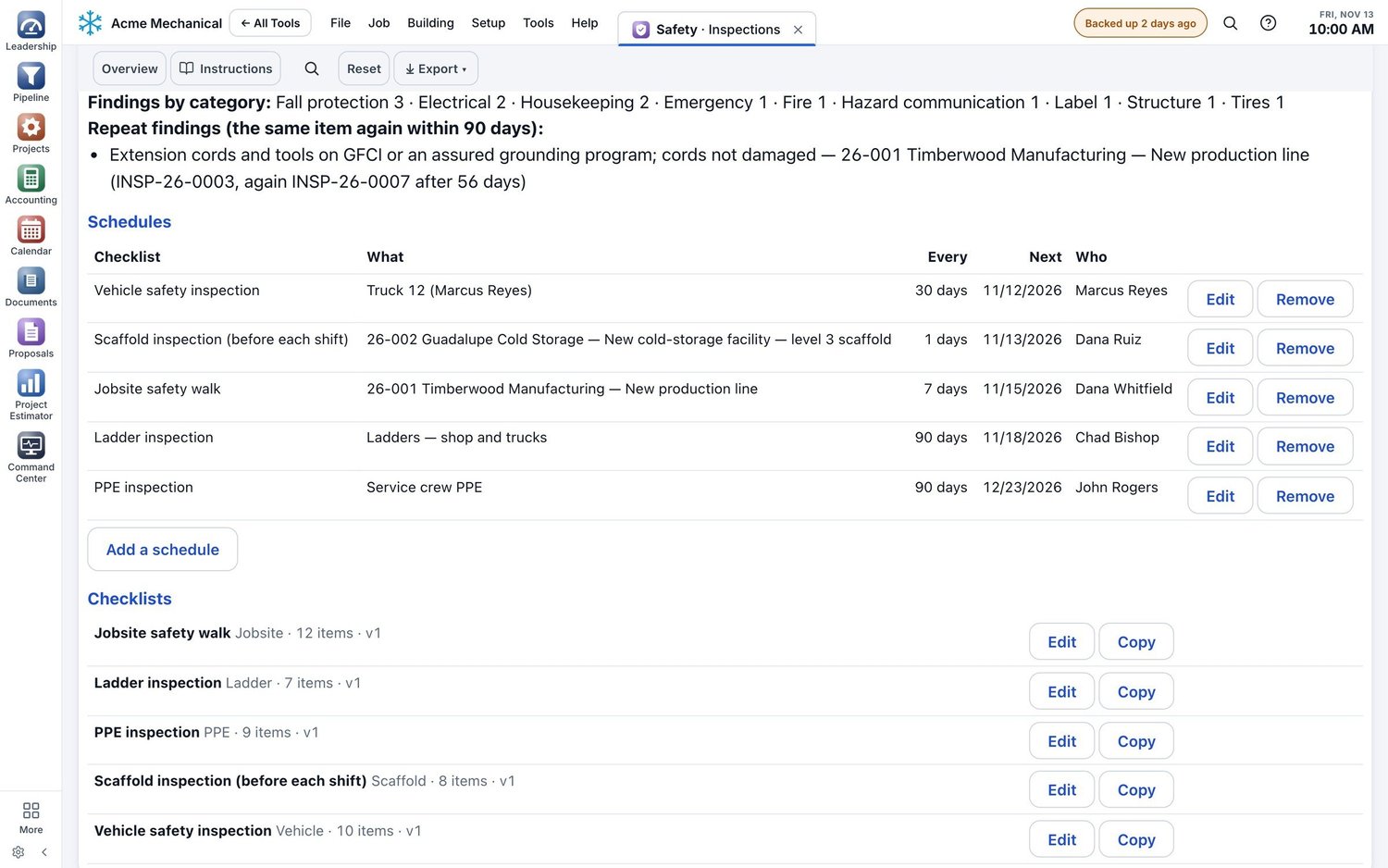
Inspections run on a schedule, so each one shows who does it and when it is next due.
The Security Answer Pack
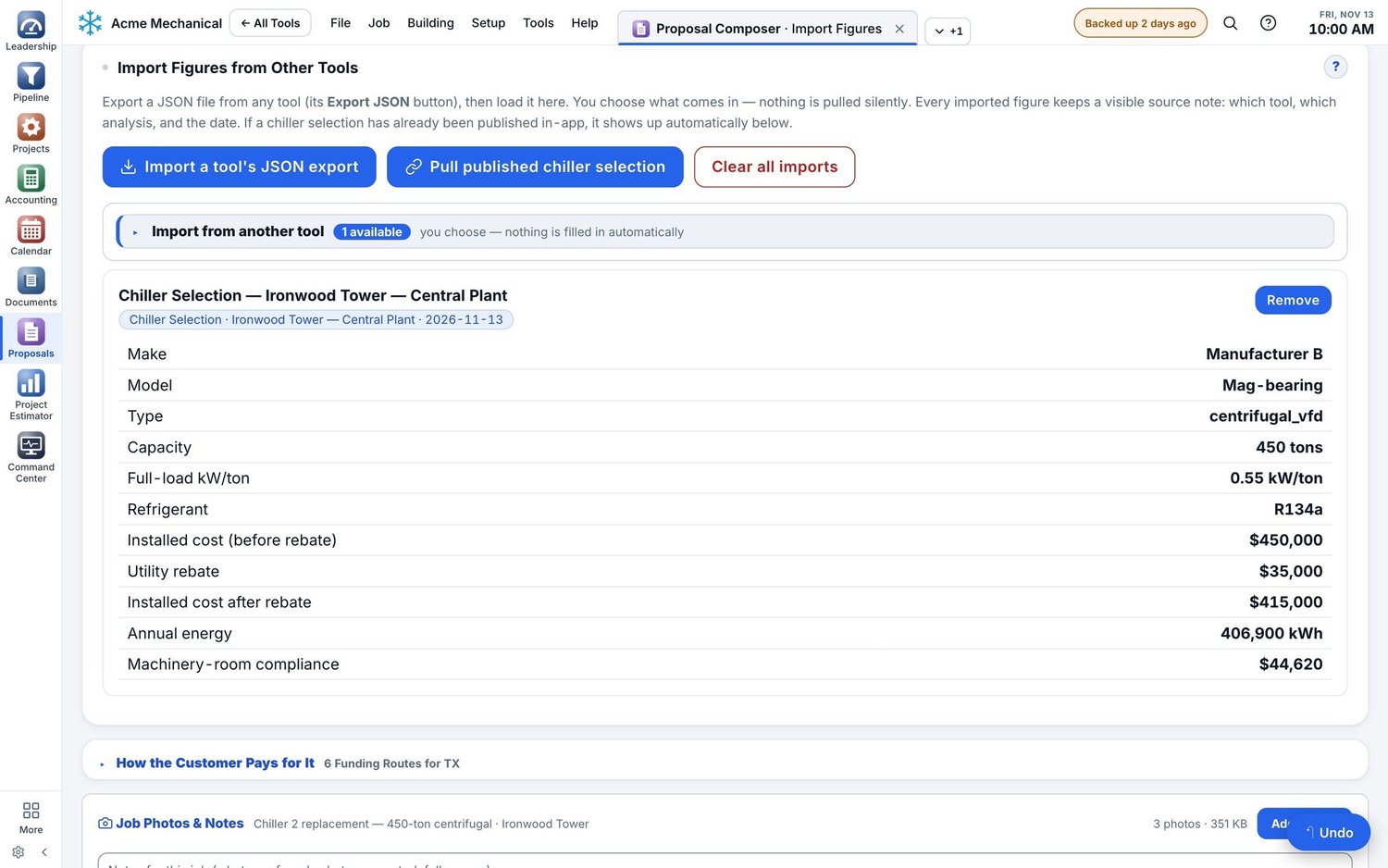
When a hospital, university or public customer sends a security questionnaire, the program answers from the copy you run: questionnaire topics, a software bill of materials, a data flow and ports table, security controls notes, and a register of remote connections to each customer's building.
Learn MoreShow Less
Hospitals, universities and public owners do not award work until security questions are answered. The pack answers them in an afternoon instead of weeks.
- Answers are worked out from the copy you run and this computer's settings.
- The software bill of materials lists every library with its version, license and SHA-256 fingerprint.
- The NIST tab maps SP 800-53 controls and the company's part.
- Connections outside a customer's approved range are marked in red.
- The whole pack saves as one PDF.
Two-Step Sign-In
A password alone can be watched or guessed. After the password or PIN, a person types the six-digit code from an authenticator app on their phone. It works offline, a code cannot be used twice, and ten one-time recovery codes cover a lost phone. Leadership decides who must use it: nobody, Leadership and Administrators, or everyone.
Learn MoreShow Less
A stolen password can open payroll and the bank details. A second step stops a guessed, seen or reused password from getting in.
- Uses standard authenticator apps (TOTP, RFC 6238).
- A clock up to 30 seconds off is accepted.
- Leadership can turn off a person's two-step sign-in when their phone and codes are lost.
- Unlocking your own session within 12 hours asks for the password only.
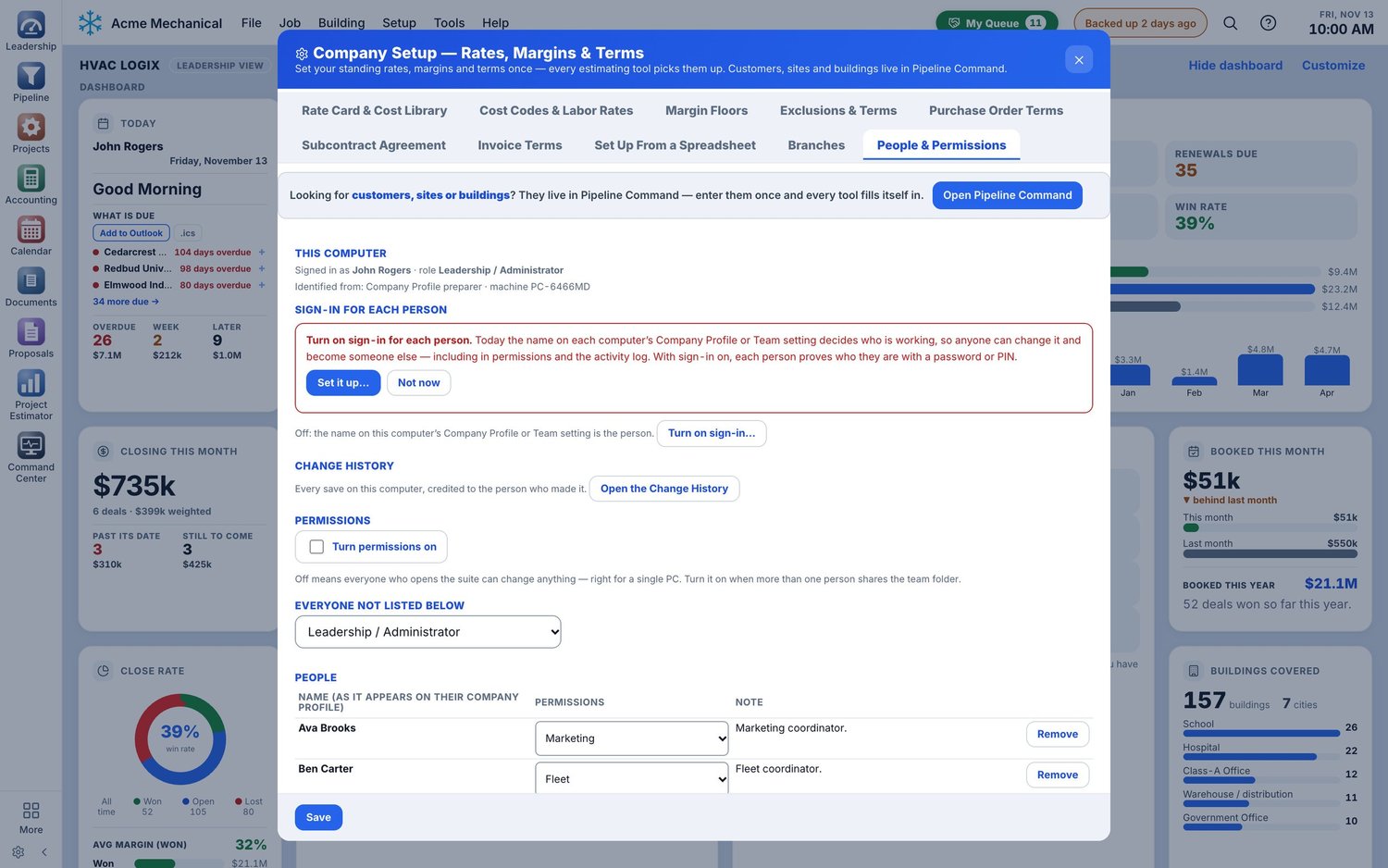
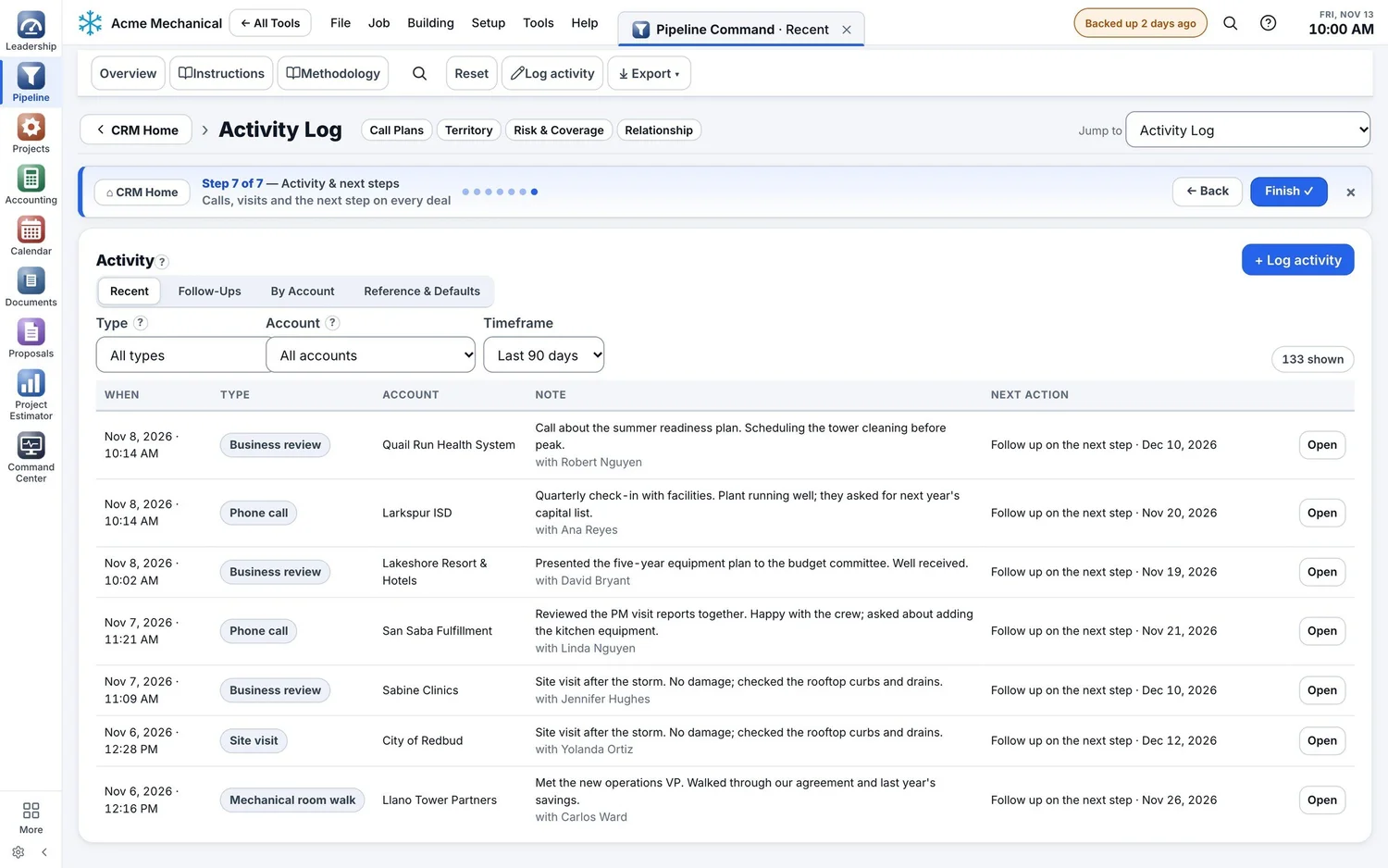
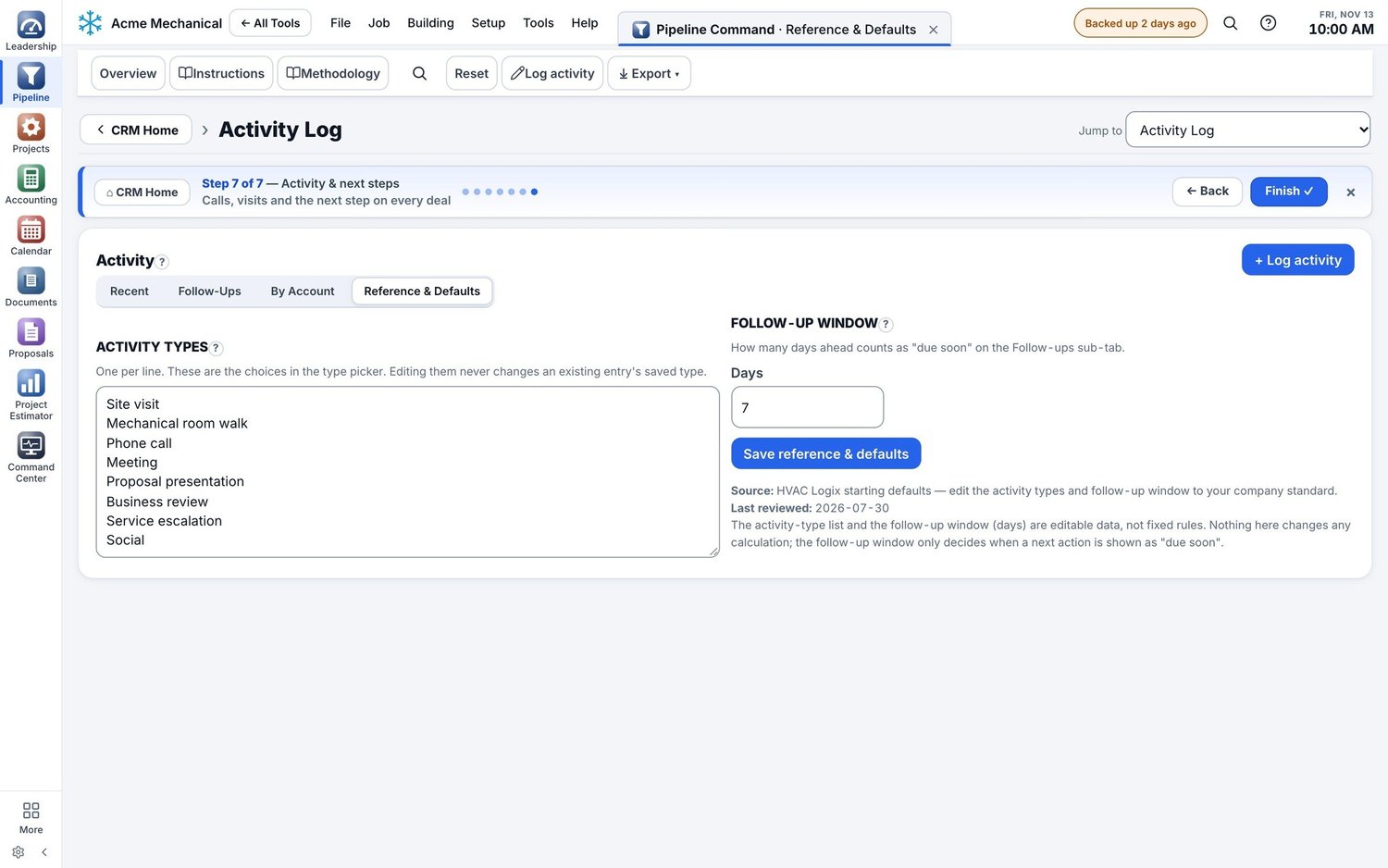
Sign-in, roles and permissions, with a change history of who did what.
Bring Your Lists in with a Preview, and Hand Files to Other Systems
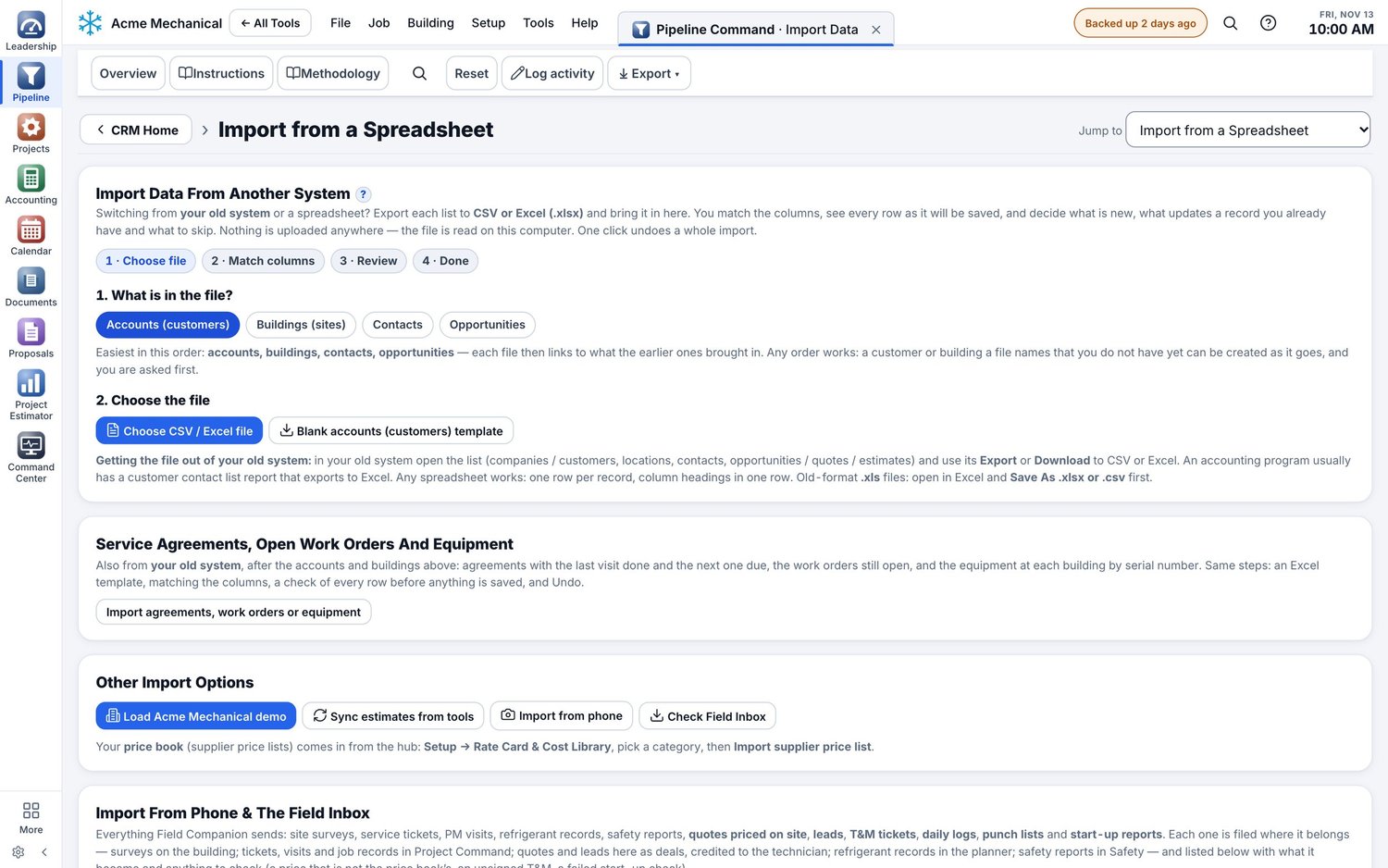
Imports from Another Program or a Spreadsheet
- Customers, buildings, contacts and open deals from CSV or Excel, with column matching and sample values from your file
- Equipment, service agreements, open work orders, open purchase orders and employees with year-to-date pay
- A review shows every row as Add, Update or Skip before anything is saved
- An unreadable value is left blank and flagged, never guessed
- Undo takes an import back out, and the same file twice adds nothing new
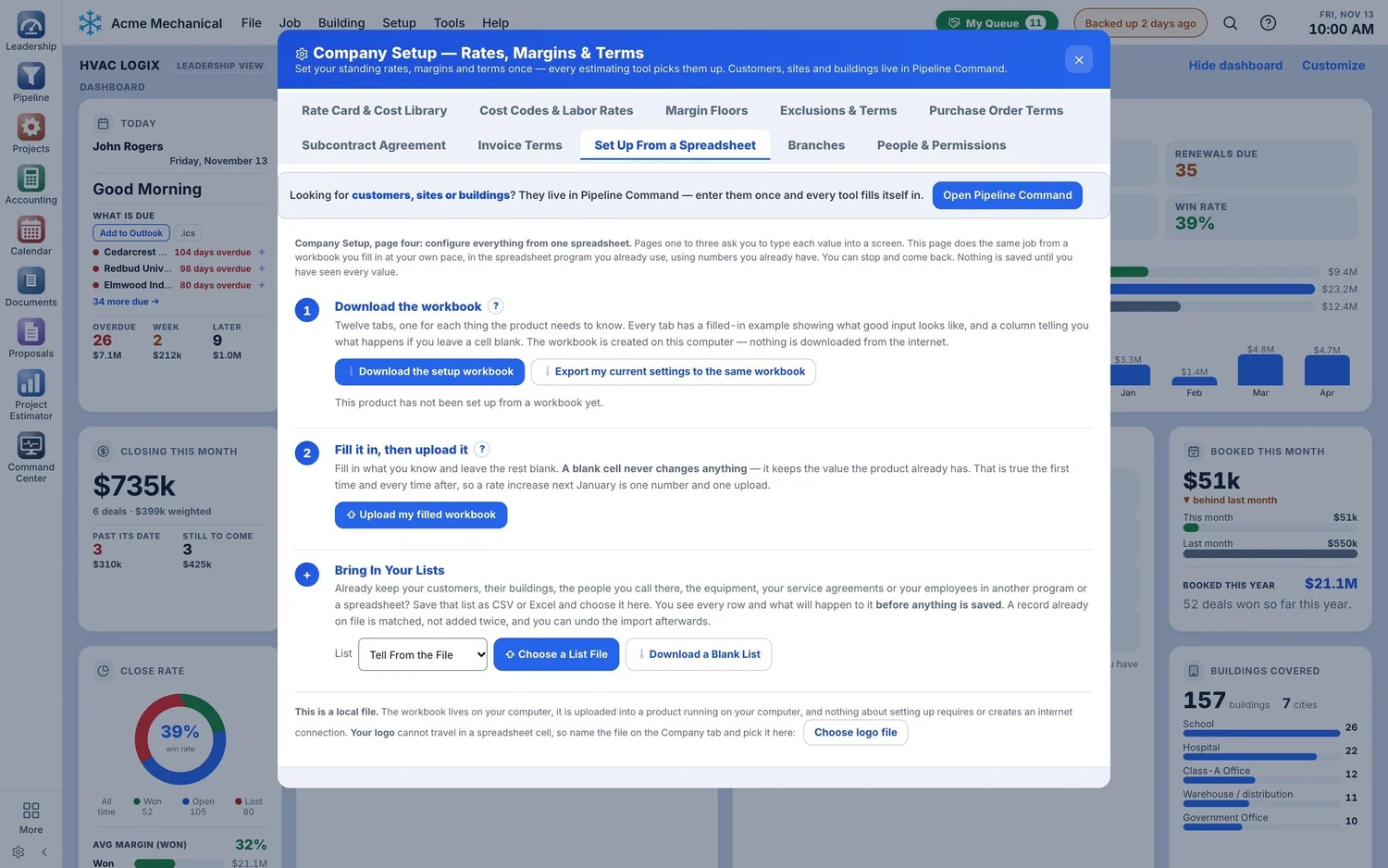
Retyping old lists wastes days, so they load from a spreadsheet with a preview.
Files for Other Systems
- HVAC Logix writes files that popular accounting packages import. It is never a live connection
- A file drop exports work orders, invoices, equipment, PM visits and readings as CSV or JSON to a folder on your network, on a schedule you set
- A Local API on your own network, with an access log, for a reporting database or another in-house system
- Exports to other systems never carry cost, labor rate, markup or margin
- Both are off until Leadership sets them up, and nothing goes to the internet
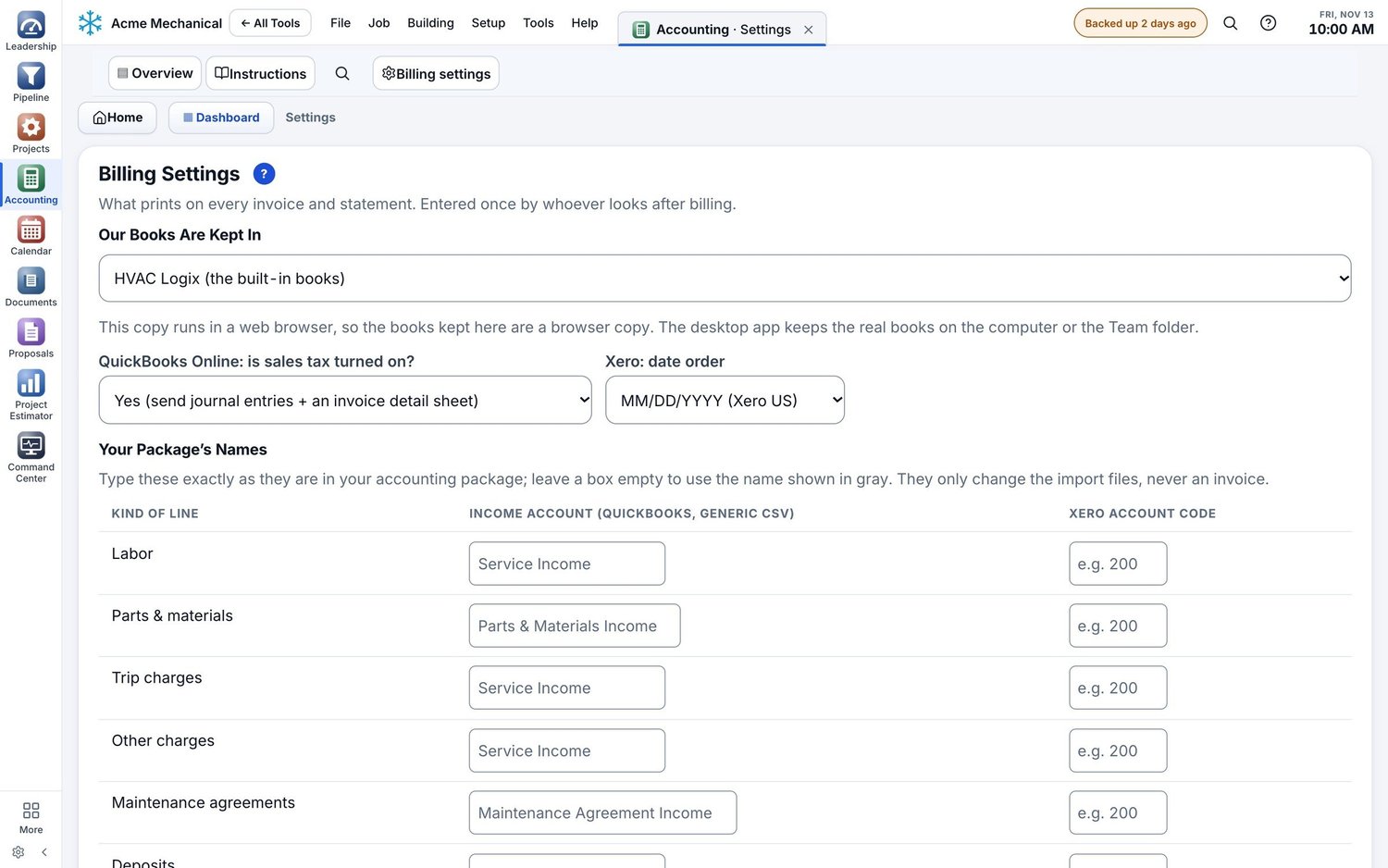
Some books live in another package, so the program writes files that package imports.
Updates
- A one-step update that is verified before it installs
- Signed updates can be installed once at the office
- Your data is kept outside the program, so replacing the program keeps the data
Usable from the Keyboard, Readable at Any Size, Tested with a Large Book
Keyboard, Zoom and Contrast
Every button, field and row can be reached with Tab, and dragging a work order has a keyboard way. Screens reflow at up to 200 percent zoom, text meets a 4.5 to 1 contrast ratio, and there are light and dark themes. The everyday screens are built to the main points of WCAG 2.1 level AA. A formal conformance report has not been written.
Learn MoreShow Less
Software everyone can use means no one is left out of the work, and keyboard paths speed up everyday entry for everyone.
- A Skip to Content link jumps past the header.
- Dialogs keep the keyboard inside them, and Esc returns you to the button that opened them.
- Fields and buttons have names for screen readers, and short messages are read out.
- Windows High Contrast draws the screen in its own colors.
- The phone app reflows down to a screen 320 pixels wide.
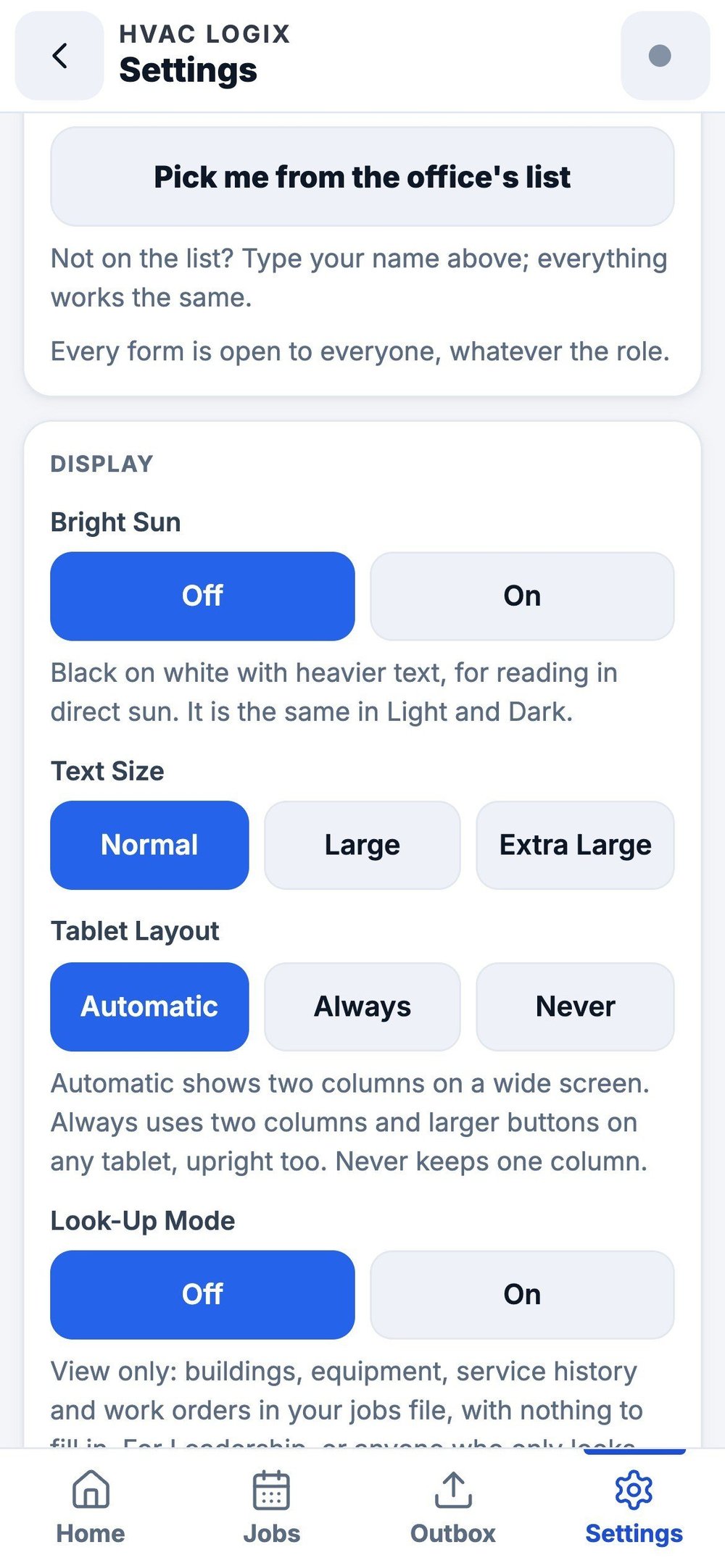
Bright sun makes screens hard to read, so text size and a high-contrast mode are one tap away.
Windows and Mac
The desktop app runs on 64-bit Windows 10 or 11 PCs and on Macs with macOS 13 Ventura or later (Apple silicon or Intel). Field Companion needs iOS 16 or later, or Android 8 or later. Plan on at least 8 GB of memory, and 16 GB for a large company or a team with a large book.
Learn MoreShow Less
Running on the computers you already own avoids buying new hardware or a server. A mixed office of PCs and Macs works from the same records.
- It also runs in any modern browser on a PC or Mac with no installation.
- No administrator password is needed and no background service runs.
- Phones keep working with no signal and sync over office Wi-Fi or the company VPN.
Tested with Five Years of History
On October 16, 2026 HVAC Logix was load tested with a sample company of 60 employees, 3,000 customer accounts, 6,000 buildings, 25,000 work orders, 30,000 invoices, 40,000 vendor bills and about 131,000 journal lines. Pipeline Command opened in about 5 seconds and Project Command in about 2 on the test computer.
Learn MoreShow Less
Software that slows as the company grows costs hours every day. The test shows the program keeps up with a large contractor.
- Accounting opens in about 4 seconds, and later reports in 2 to 4.
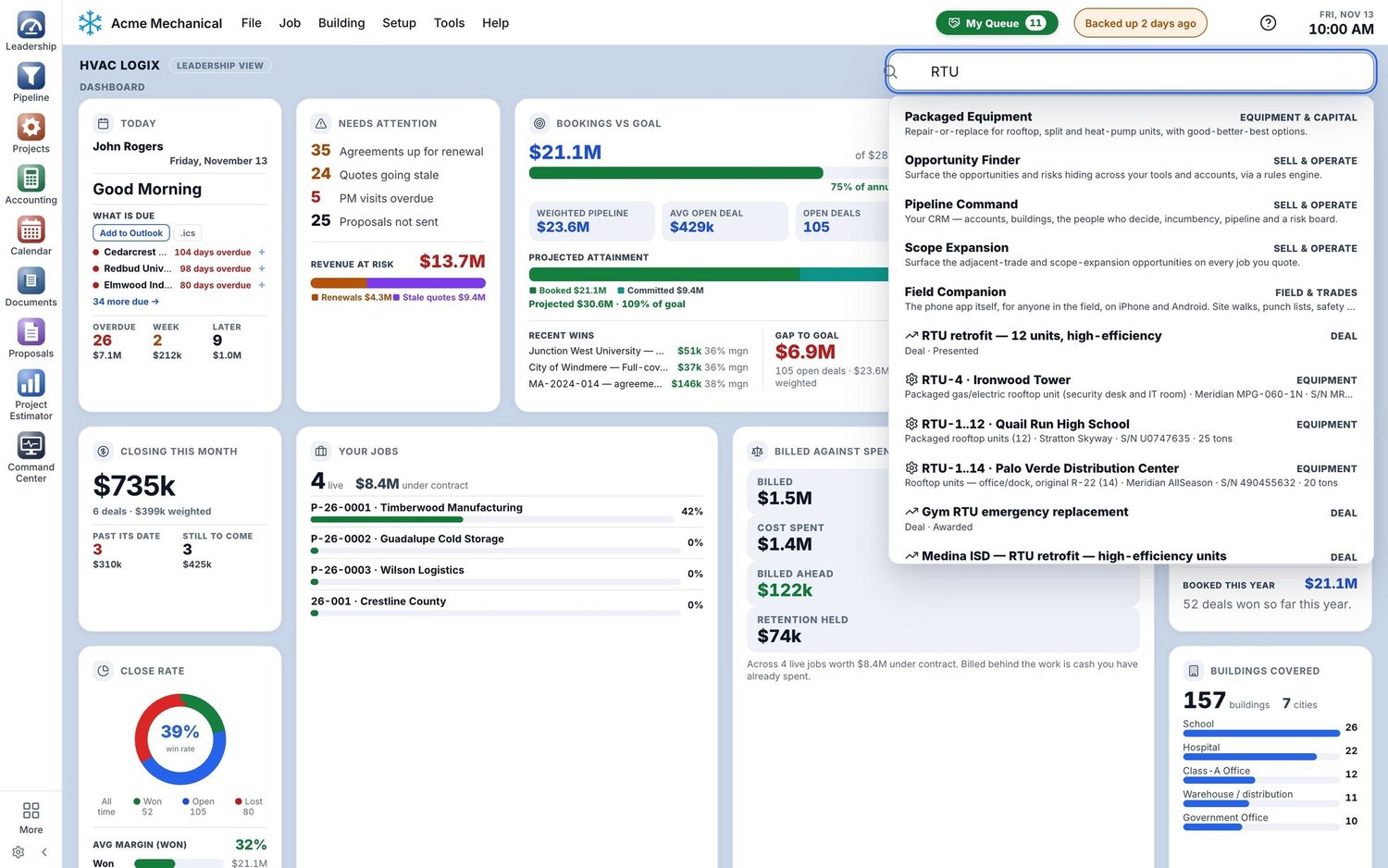
- Search answers in about a third of a second for the first letter.
- Publishing jobs to the phones takes about 3 seconds.
- A typical office PC may take up to twice as long as the test computer.
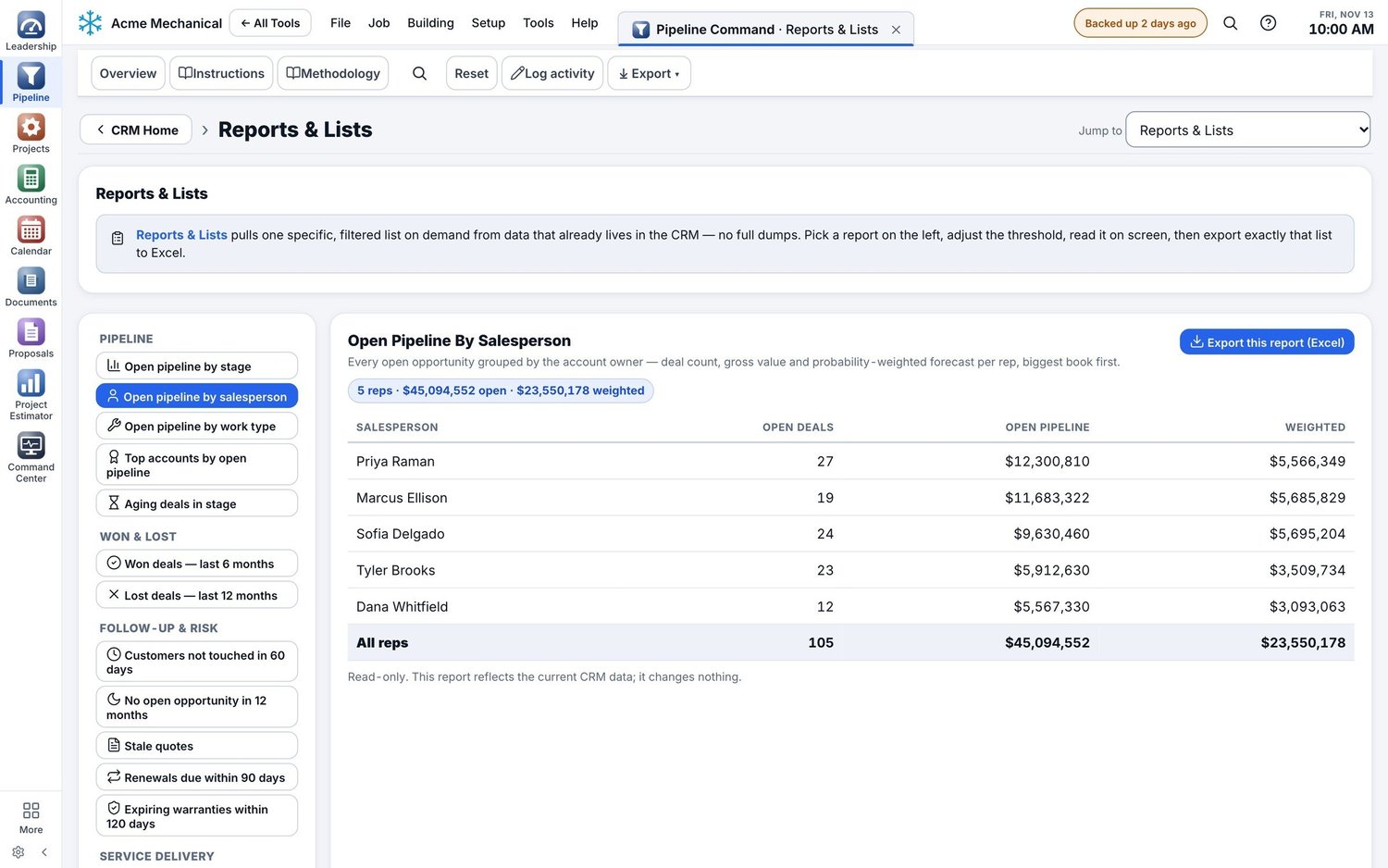
A big book must stay fast, so lists with hundreds of deals open quickly.
Large Text and Read Aloud
On the computer, View, Zoom In makes everything larger up to 200 percent and the screens reflow. Field Companion follows the phone's own text size, up to twice normal. A Read Aloud button reads the manual, a work order and the phone's job sheet out loud with the voices already on the device.
Learn MoreShow Less
A technician who cannot read the screen in the sun or the small print on a ticket makes mistakes that cost callbacks. Larger text and read aloud help everyone see the work.
- Screens reflow at 200 percent with no side-scrolling in a window 1,280 pixels wide.
- Text meets 4.5 to 1 contrast, 3 to 1 for large text.
- Read Aloud uses the voices already on the device, with no internet.
Frequently Asked Questions
Does HVAC Logix need the internet to run?
Who can read our data in Customer-Owned Cloud mode?
What happens to our records if the license is not renewed?
What if we lose the backup recovery key?
Can we keep our current accounting package?
Be First When HVAC Logix Opens
Stop paying people to copy numbers between programs. Join the list and we will tell you the day downloads open, with setup guides ready.
Launching early 2027 for HVAC Logix. Nothing to buy today, and no sales calls.
